FAQ: Is Mojave Paint good for painting and drawing?
When I was at Amazon and at Google I remember having to request a copy of Photoshop through their internal software portals. Because, when I wanted to manhandle a bitmap with authority and precision, Photoshop was the gold standard. A "photo editor" is vague and artistic while Photoshop is precise and scientific in dealing with the pixels.
That's the feel I'm going for in Mojave Paint. As a developer, this utility use case is the one I know best and it was my highest initial priority. Building an image editor for nerds and coders.
But, tools like Photoshop and GIMP are really jack of all trades image editors. They might be used by scientists looking at microscope scans, or by real estate photographers, or by graphic designers, or even by artists.
This last use case — hooking up a Wacom tablet and drawing some art — is one I had kind of written off. I assumed people use dedicated bitmap illustration programs rather than Photoshop for this, but then I saw Krishna's review of Mojave Paint:
First Impressions with Mojave Paint
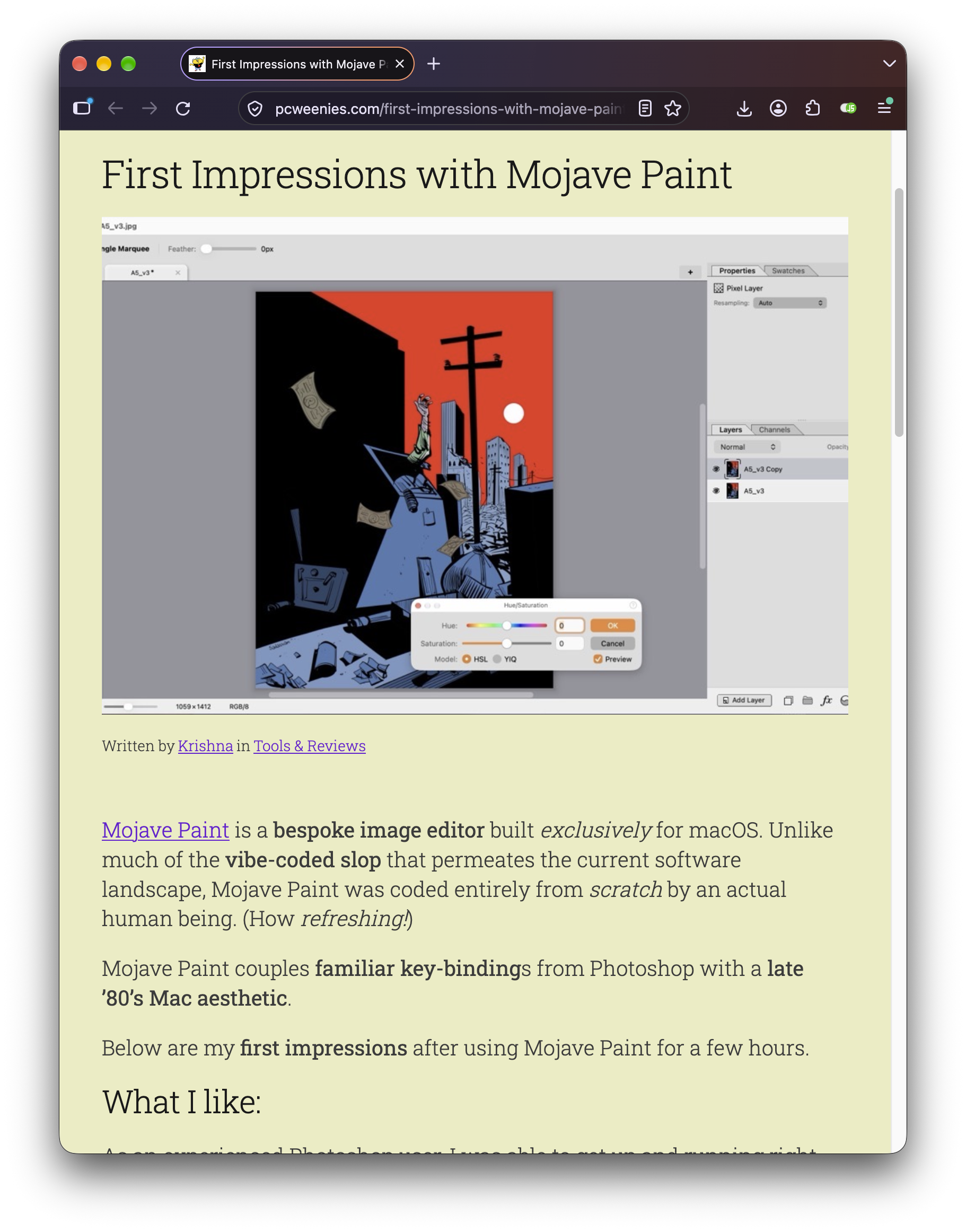
and learned that, yes, people do in fact make art with Photoshop these days.
Krishna pointed out that with just a couple of additions Mojave Paint could be a pretty kick-ass illustration program (my words not his). So I went ahead and beefed up the illustration story in Mojave Paint, including:
- Added stylus pressure settings on the brush
- Turned off mouse event coalescing so every position update is processed (as many as 200 per second on a Wacom tablet). Making smoother lines.
- Filled some other random Photoshop gaps like "hold Option with the brush tool to sample color" and "use Shift+Option+Backspace" to fill a selection with foreground color using Preserve Transparency.
And here's a drawing he whipped up:
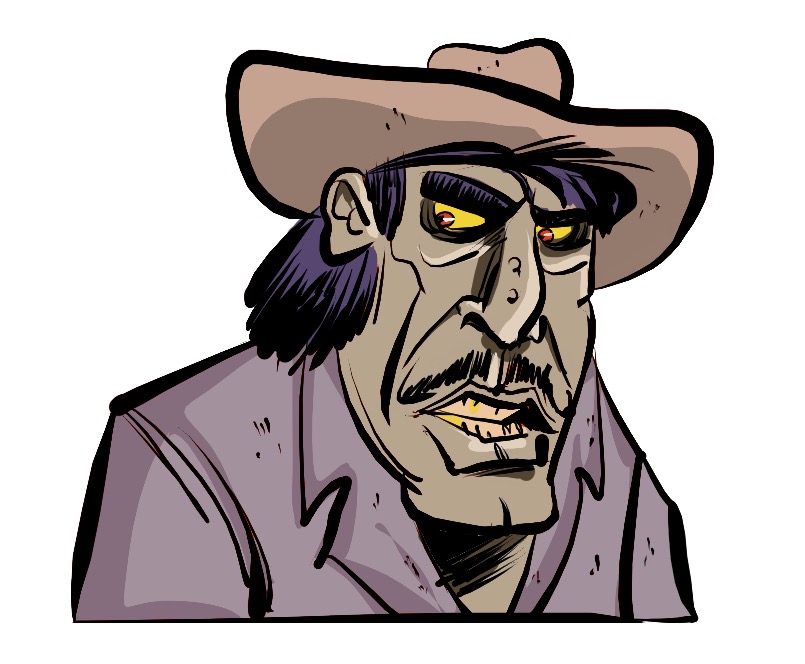
https://mastodon.social/@krishnadraws/117497712211232320
So to answer the FAQ question — yes Mojave Paint is good for illustration, with the caveat that there is no custom brush support yet. Krishna notes that the learning curve is very gentle for Photoshop users, and that the selection tools such as freehand lasso feel nice and responsive to use.
And, the 1.8.3 release adds a first pass at Layered TIFF support. This means you can export layered TIFF files from Photoshop and open them in Mojave Paint with the layers and folders intact, with layer metadata coming across too (opacity, blend mode, layer mask, etc). And vice versa, export from Mojave Paint (Shift+Command+E) and choose "Layered TIFF" and this opens in Photoshop pretty much like a PSD file would. [Currently only doing pixel layers though, no support yet for shape and text layers.]

So I think that's it. Give 1.8.3 a try and look for the stylus icon in the Brush tool options bar.