
About
A new macOS image editor with familiar key bindings and a somewhat retro aesthetic. Keeping the dream of the '90s alive!
No AI tools here – plenty of other apps do that. We focus on deterministic and mathematical mutations rather than stochastically generated slop.
Built for Apple Silicon. Requires macOS 15 Sequoia.

This free download offers a 14-day trial period, after which
it's a $9.99 one-time purchase to buy a perpetual license.
Blog
Features
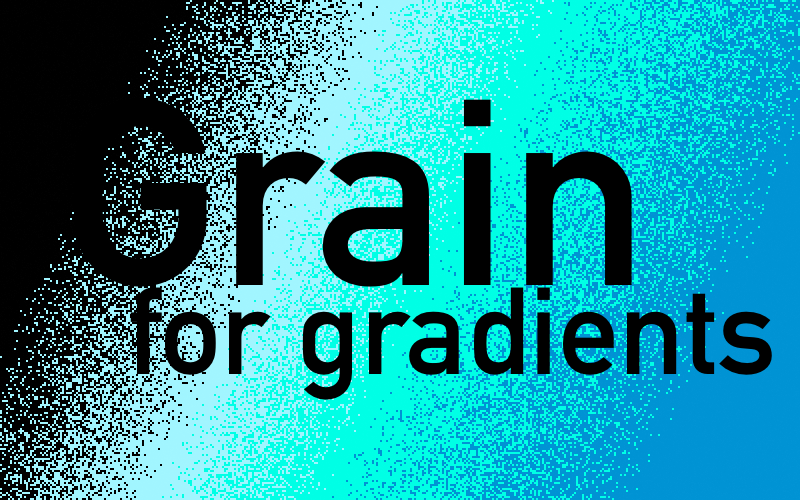
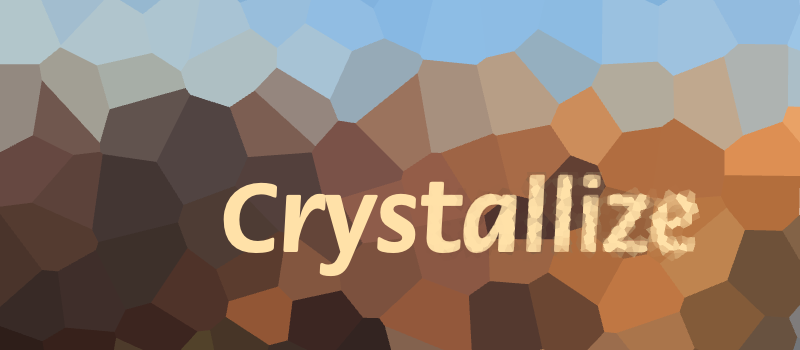
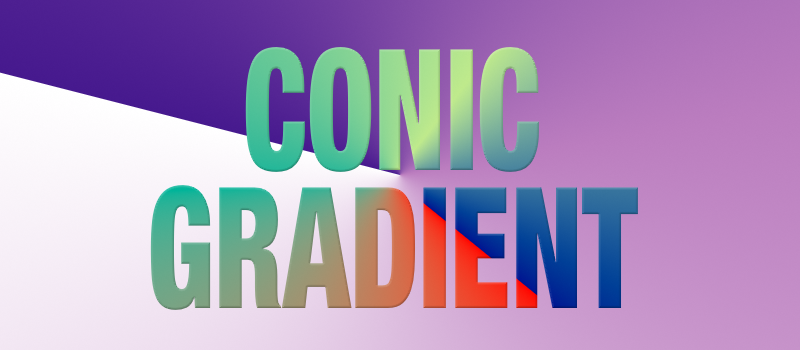
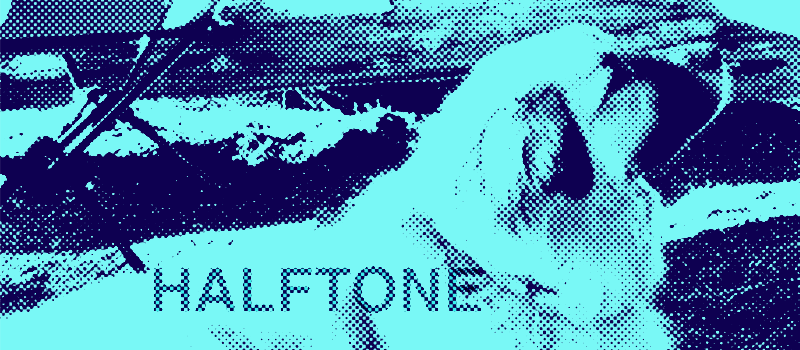
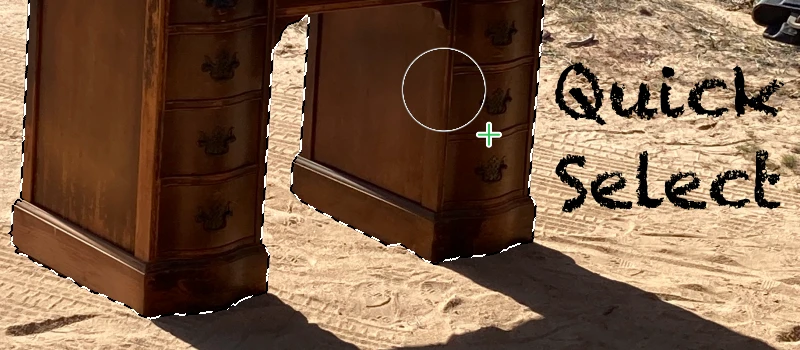
What can you do with Mojave Paint?
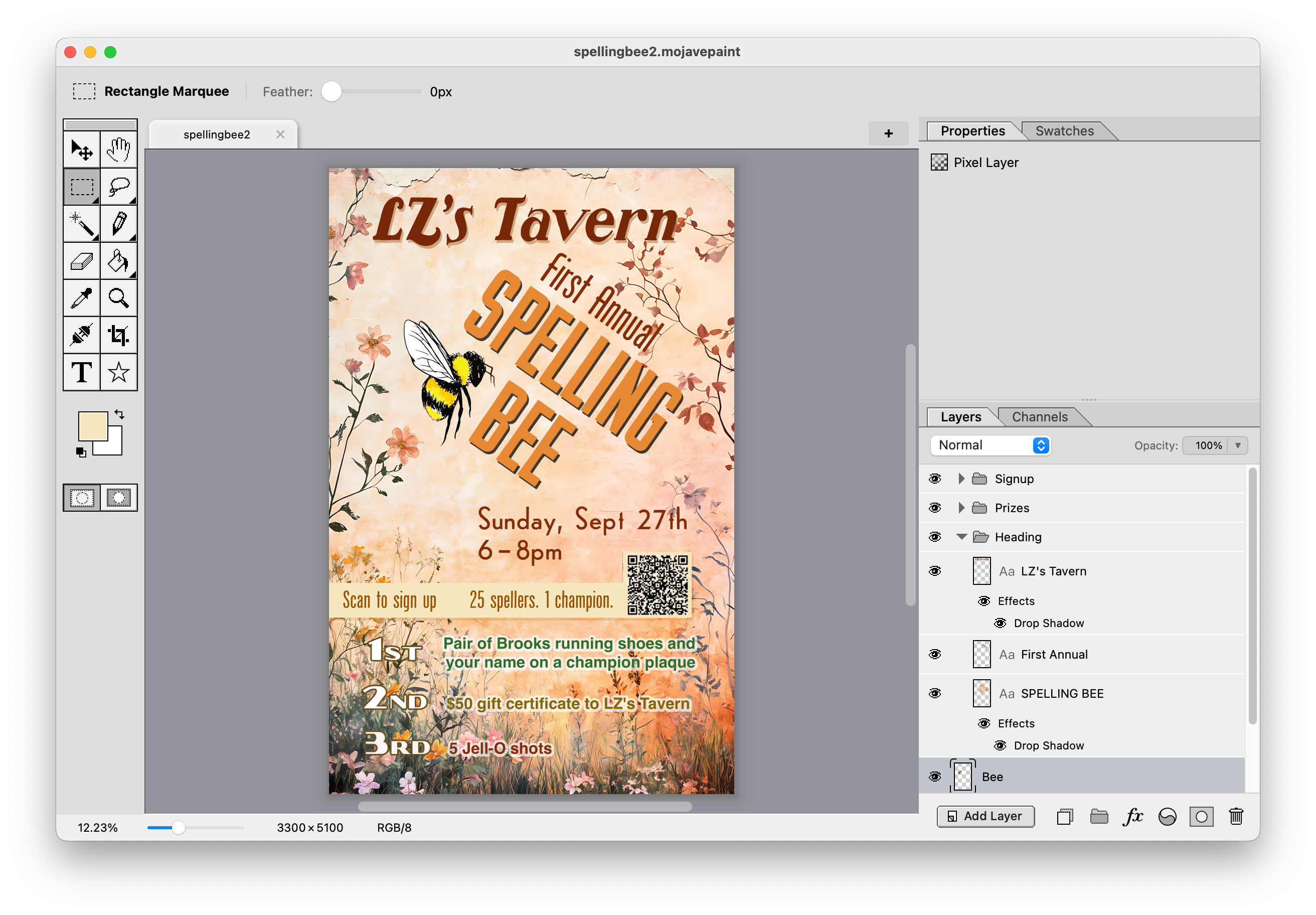
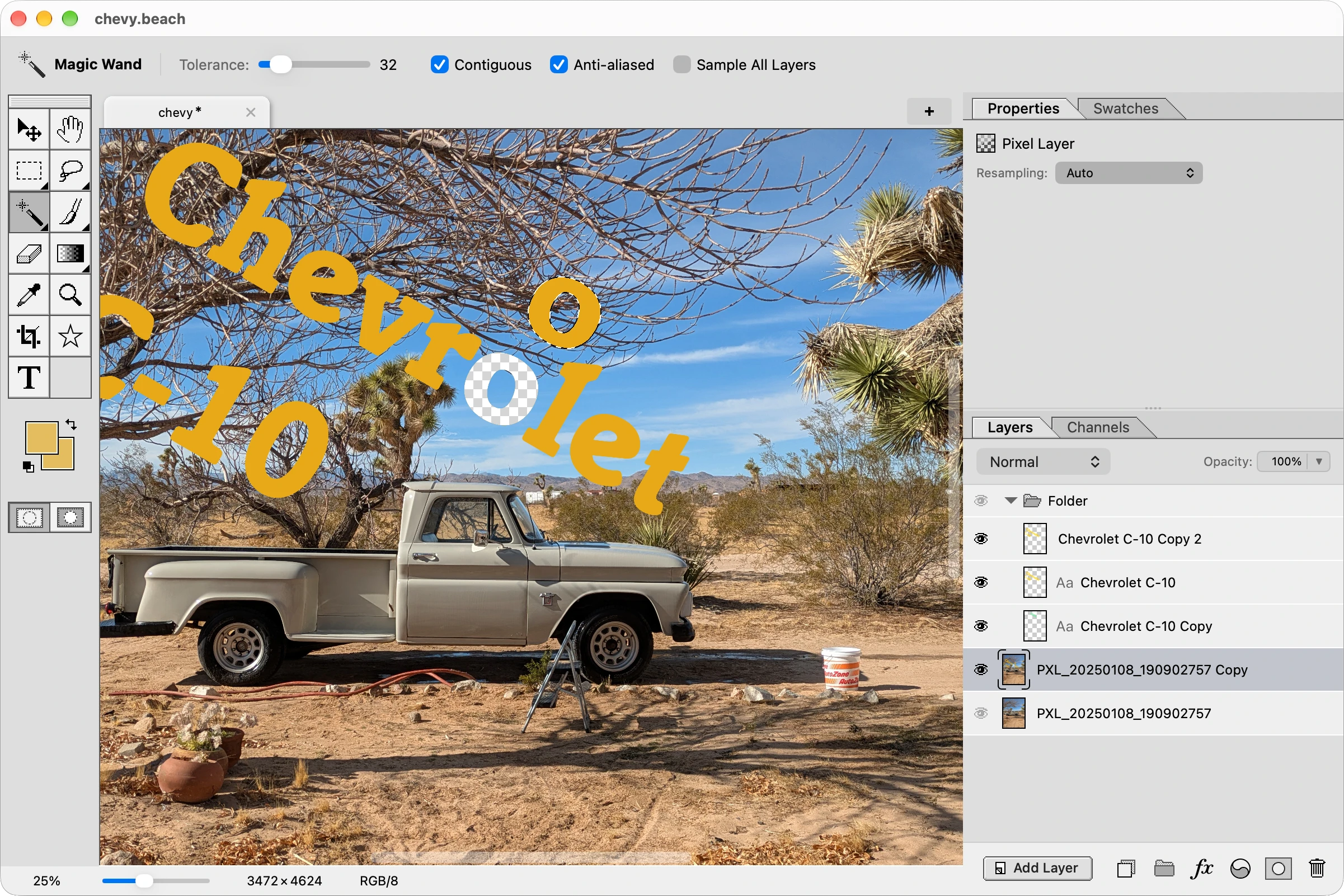
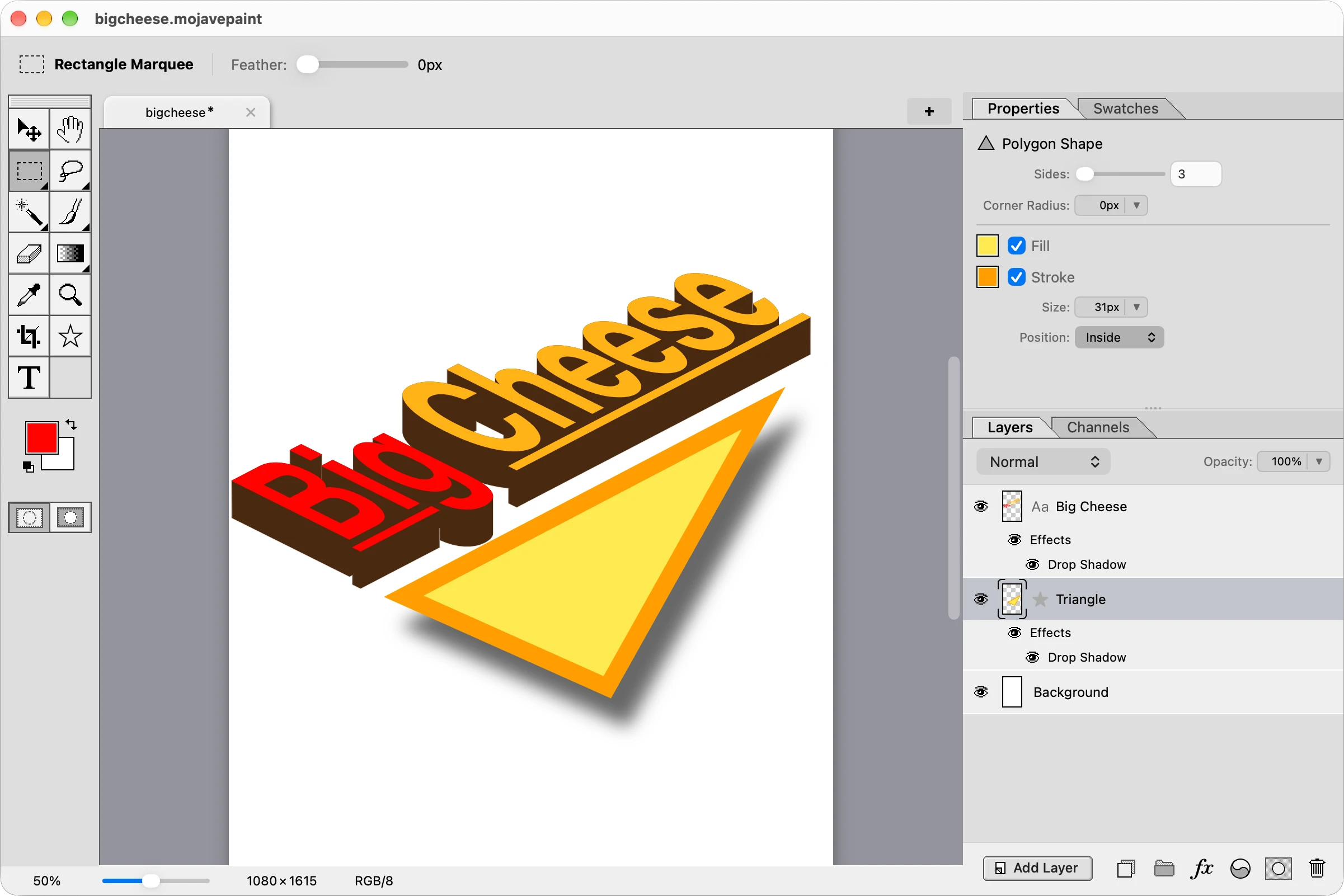
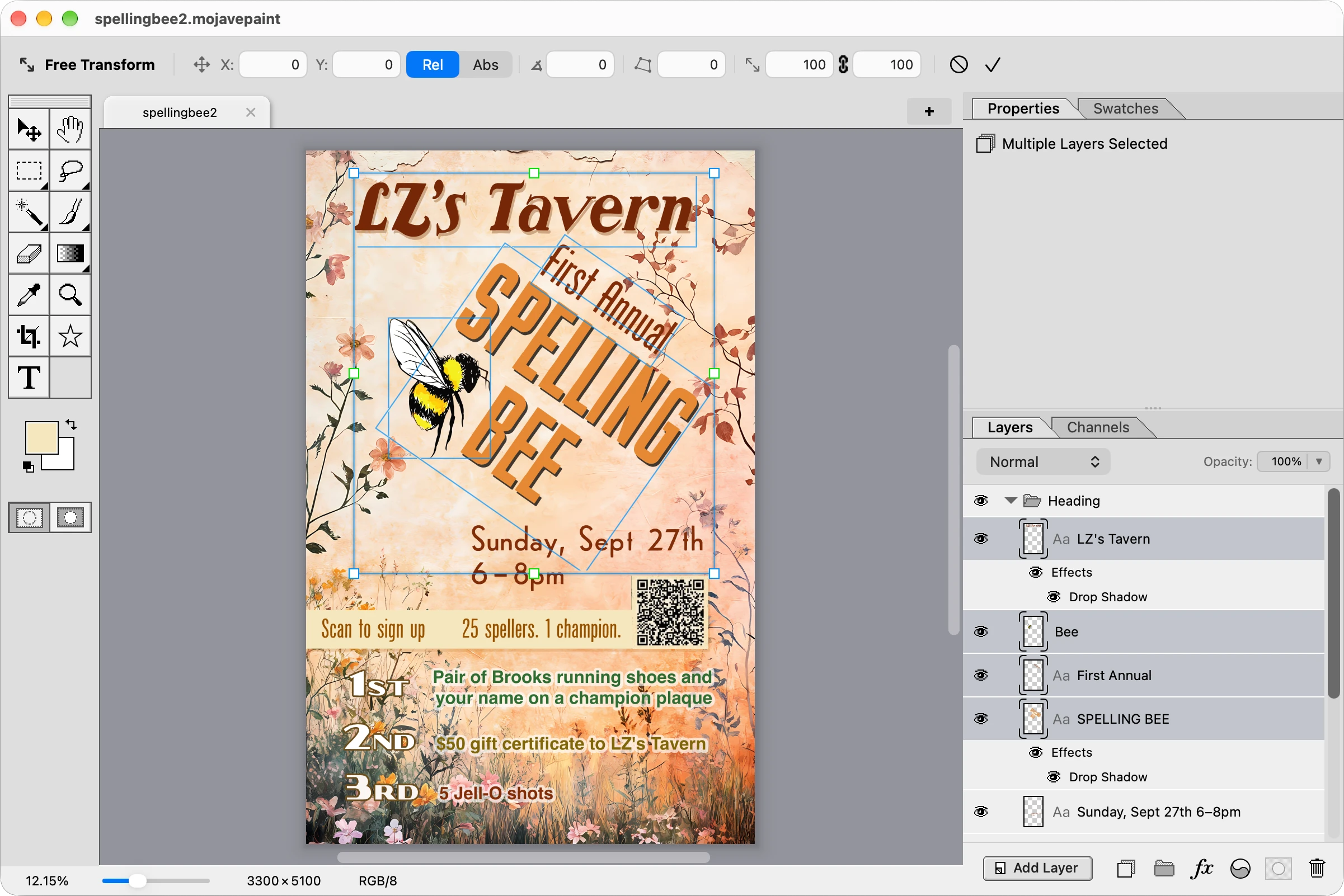
Design a flyer!
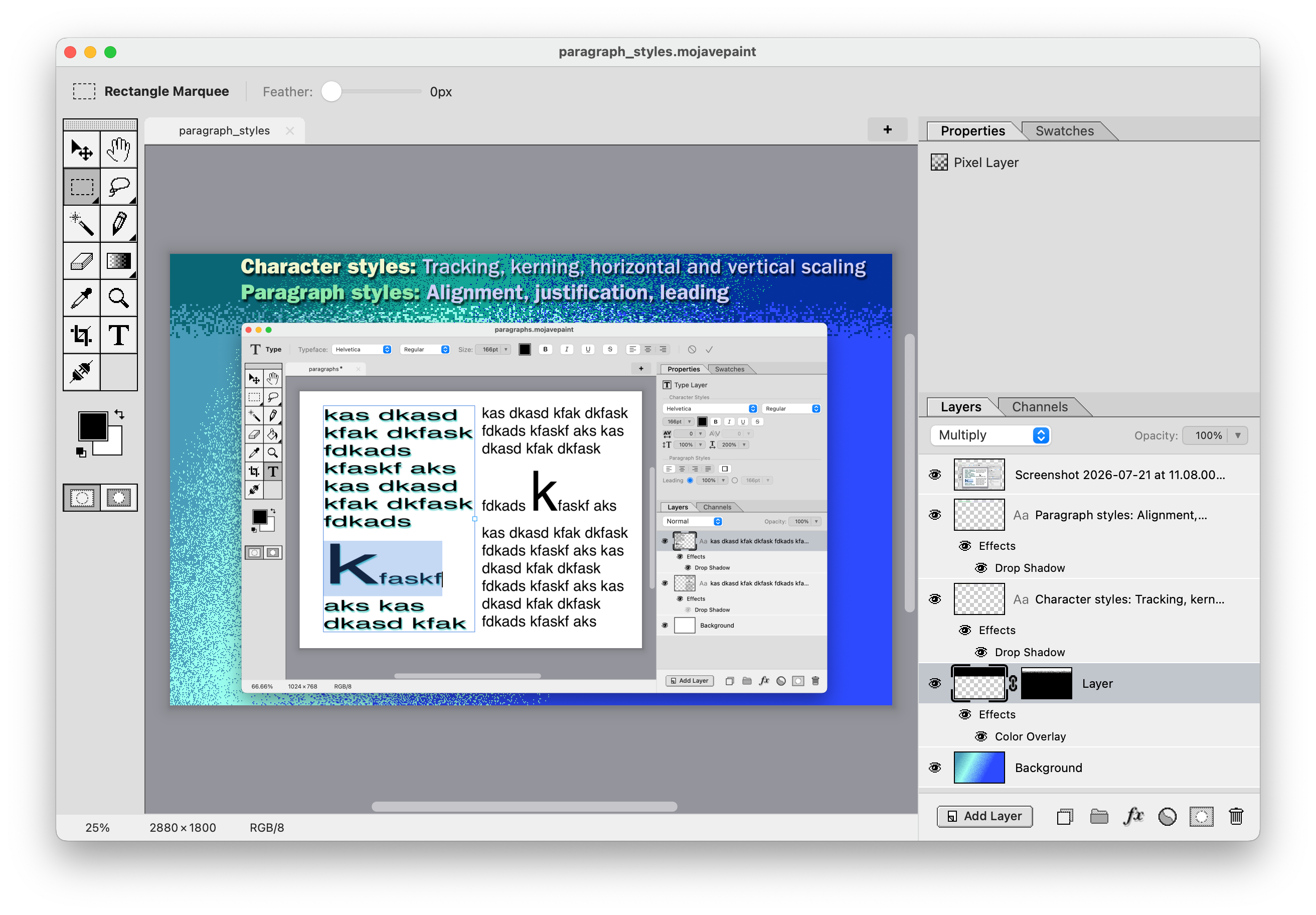
Design App Store screenshots!
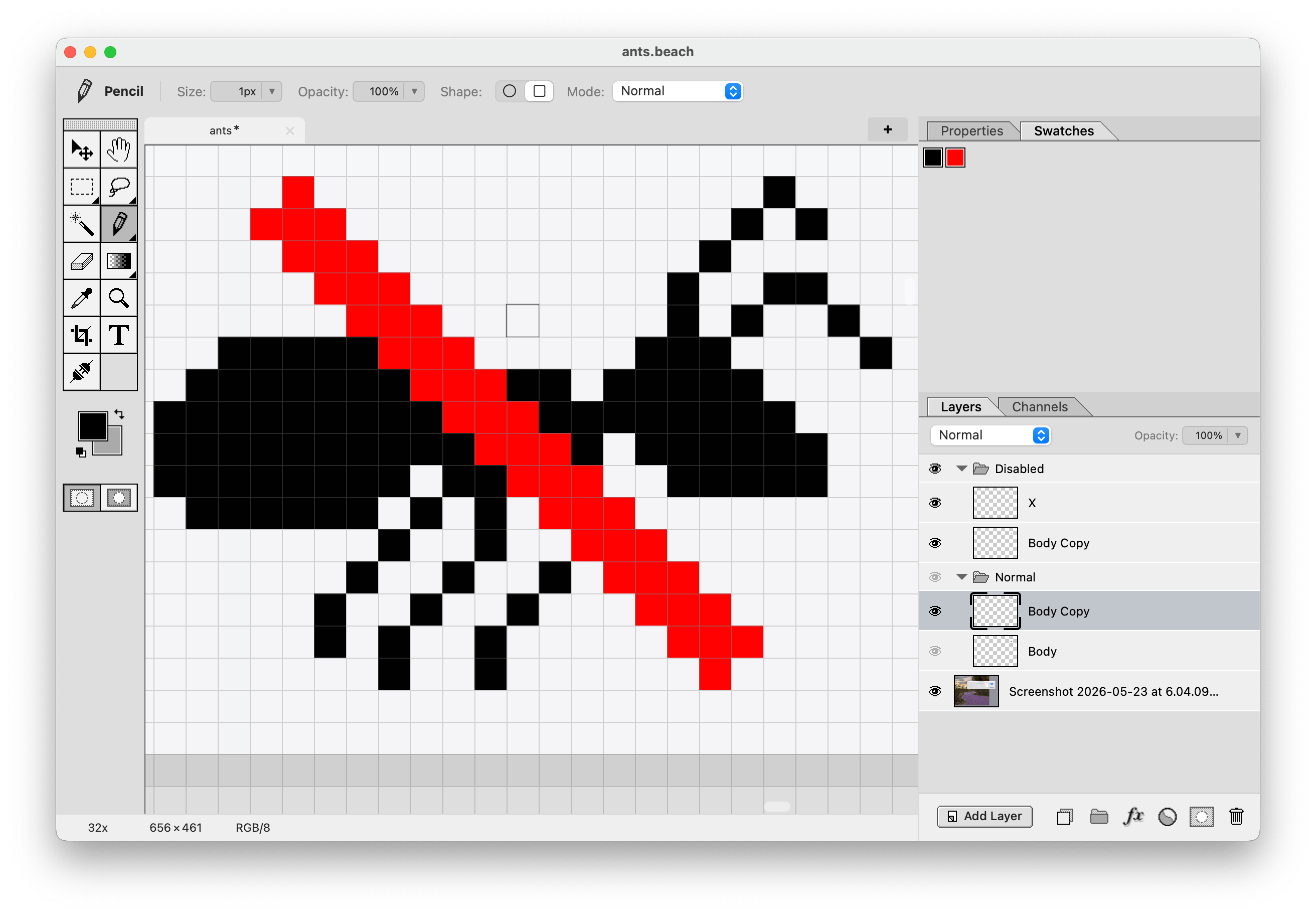
Draw an icon!
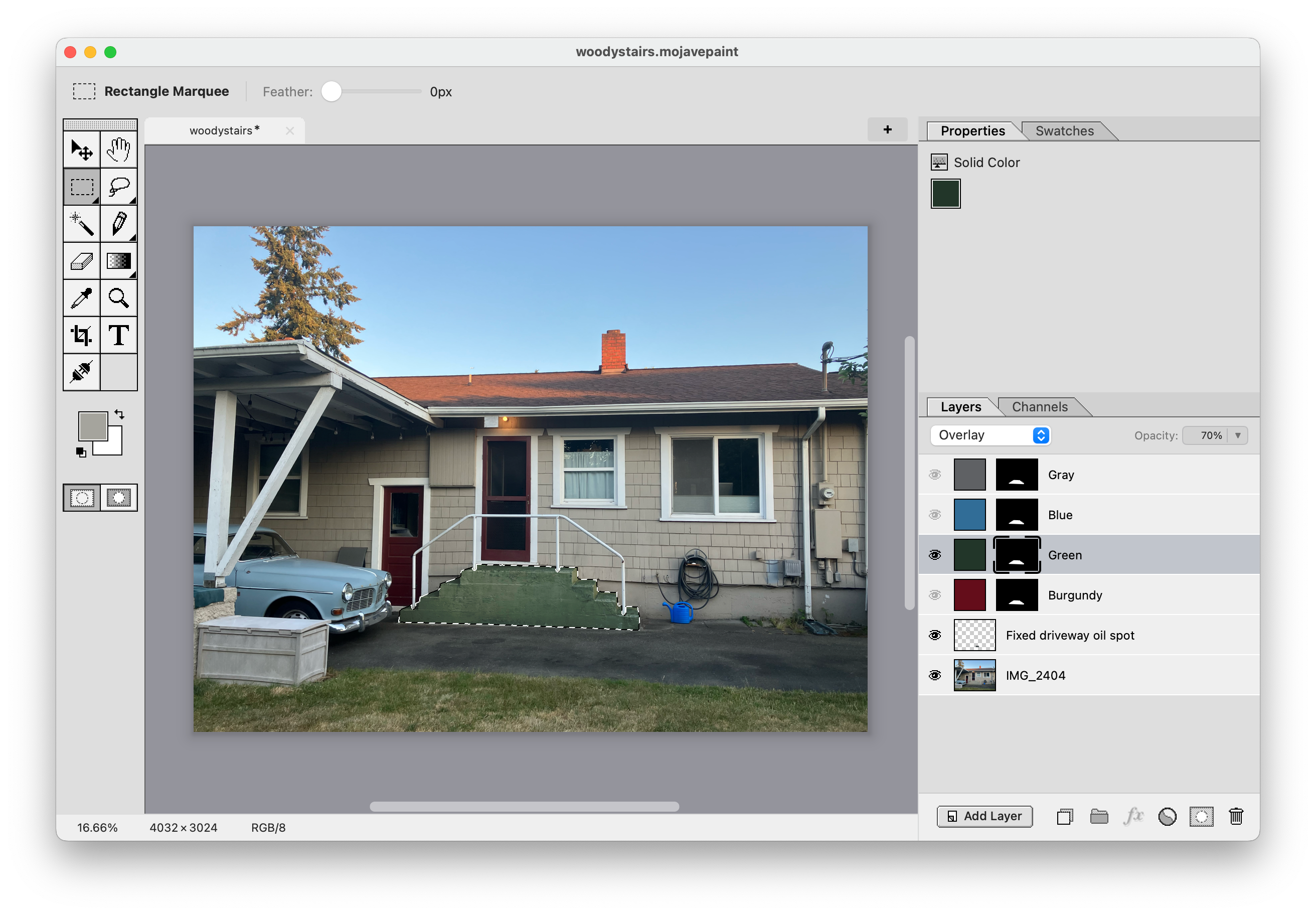
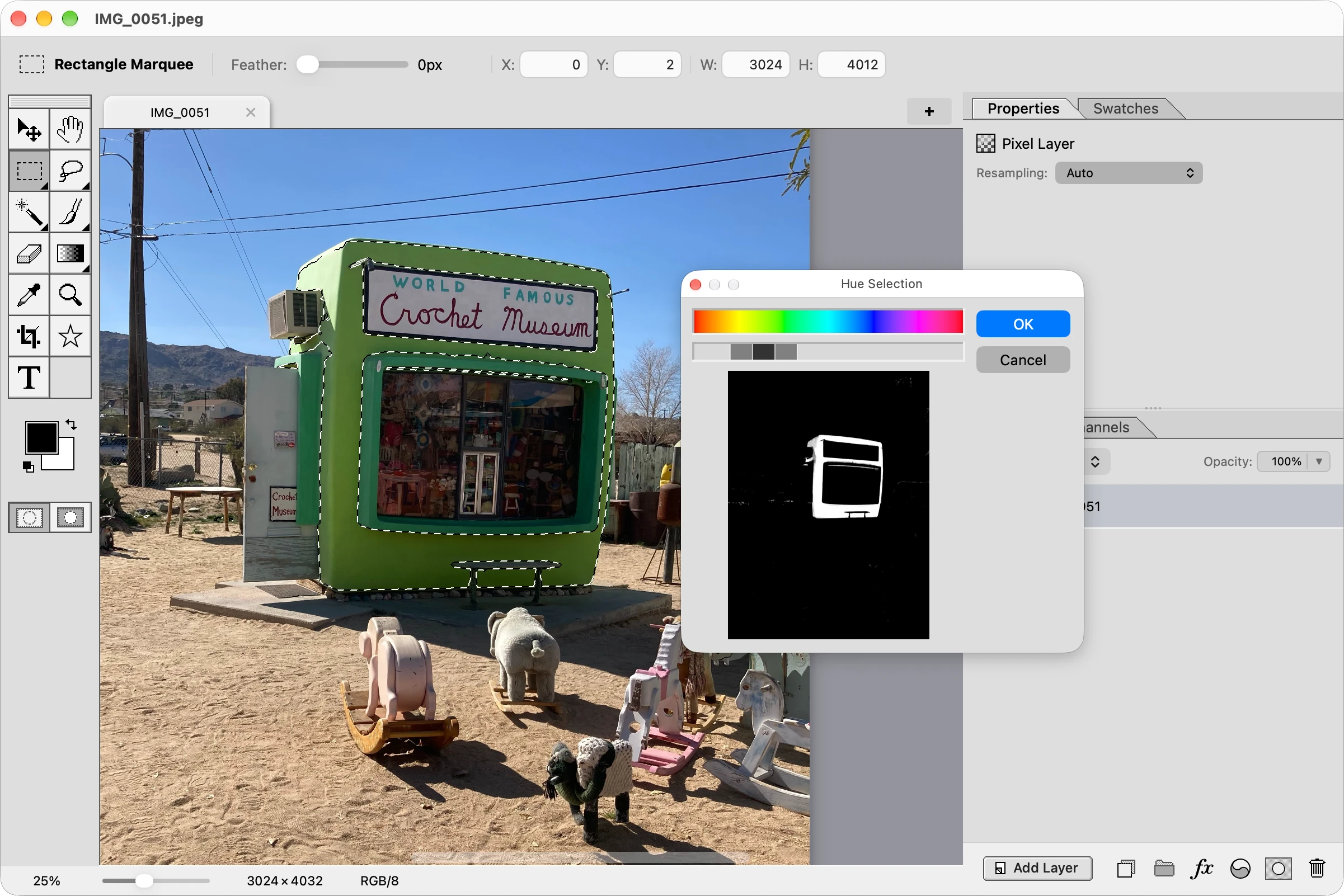
Re-color specific areas of a photograph!
Video gallery
Interactive roadmap
What missing features are your biggest pain points in Mojave Paint right now?
Smart objects
Ability to set a bitmap as immutable, such that transforming it leaves the original copy non-destructively in tact. This makes sizing up and down not lose detail.
Dodge and burn tools
Brush that lightens and darkens.
Warp tool
Warp on a grid, or fancier options like Liquify.
PSD import and export
And layered TIFF while we're at it. Pixel layers and type layers (with styles) should come across in high fidelity, other features will have to be lossy.
Pattern fill
Repeating patterns you can use as a fill anywhere you'd otherwise use solid color or gradient fills.
Brush support
We currently just have circle and square. This would let you use arbitrary bitmaps as brushes, and import Photoshop ABR brushes.
ICC Color Profiles
At the very least sRGB and Adobe RGB, probably also Display P3 and ProPhoto.
Shape layers
Such as square (with adjustable corner radius), circle, other primitive shapes. Ability to set fill and stroke and stroke width.
Character and paragraph styles
Character style would include kerning and tracking. Paragraph style would include alignment and leading.
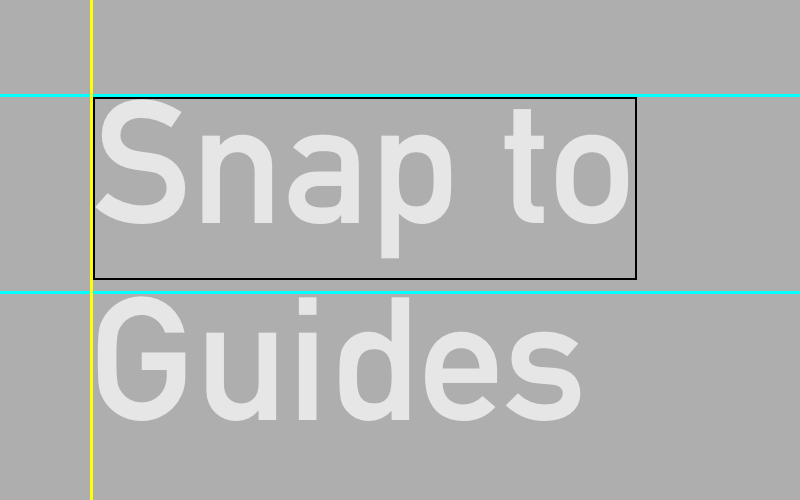
Snap to guides
Dragged element snapping to guides. Affects the move tool and the rectangle marquee and crop tool regions, among possibly other things.
Photographic adjustments
Photo retouching controls such as sliders for exposure, color balance, shadows, highlights, etc.
Layer styles
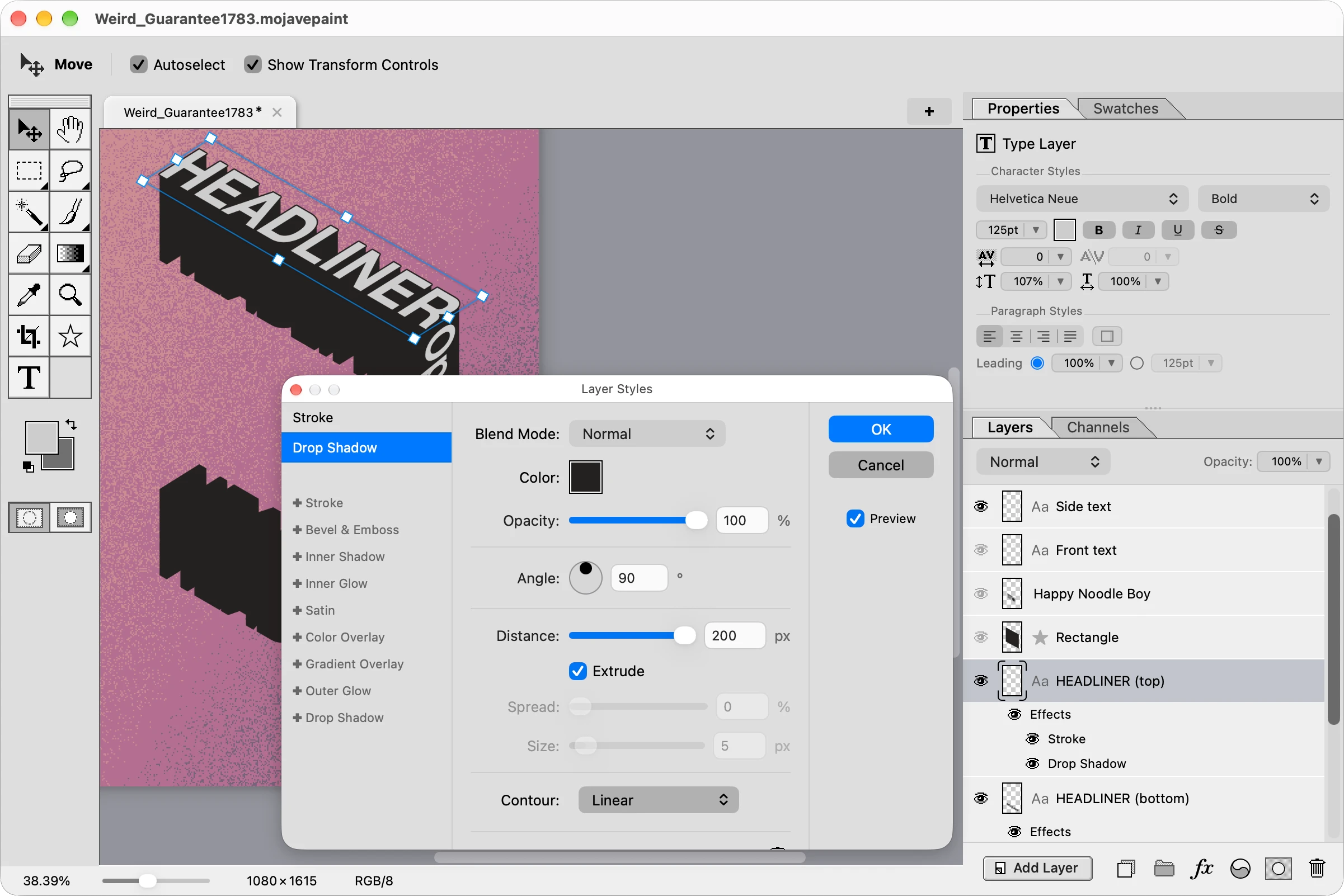
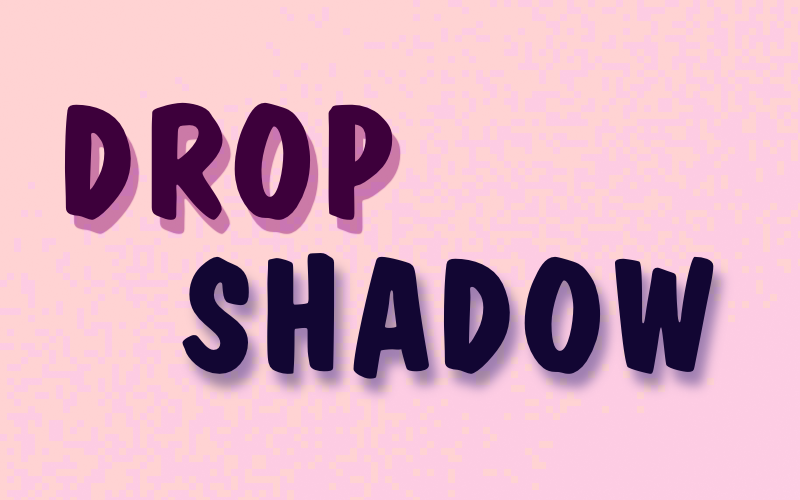
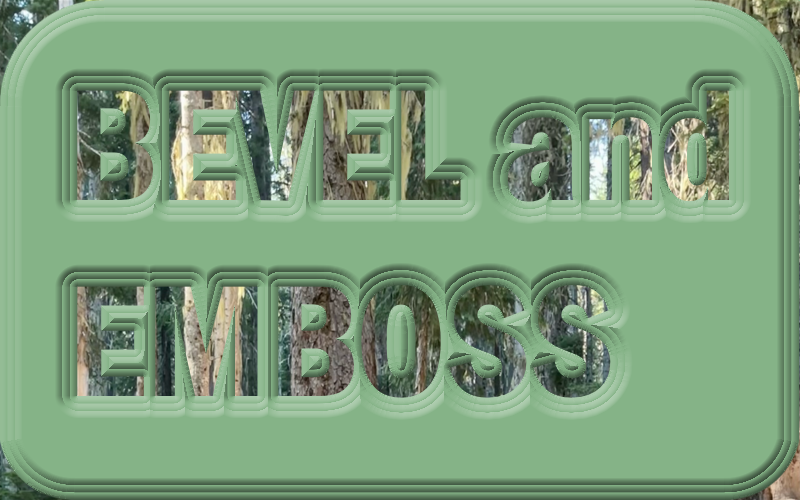
Color and gradient overlay, drop shadow, outline, outer glow, etc.
Dark mode
Configurable in settings to be "Light", "Dark", or "System (OS)"