Fill and Opacity
New in 1.7.5, layers have a Fill slider below the Opacity slider.
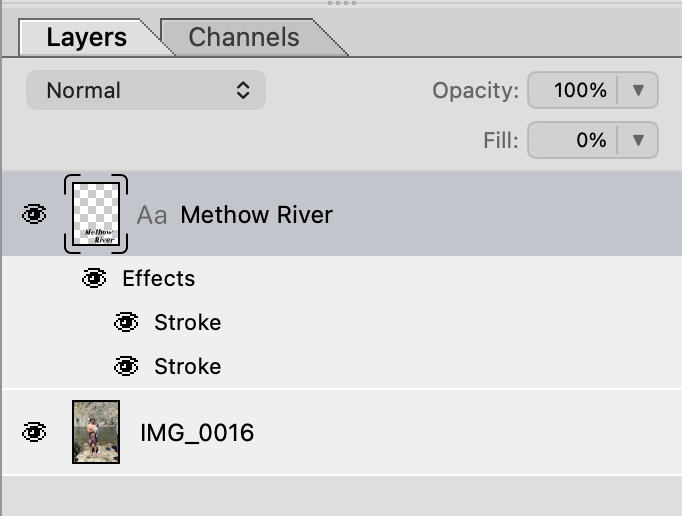
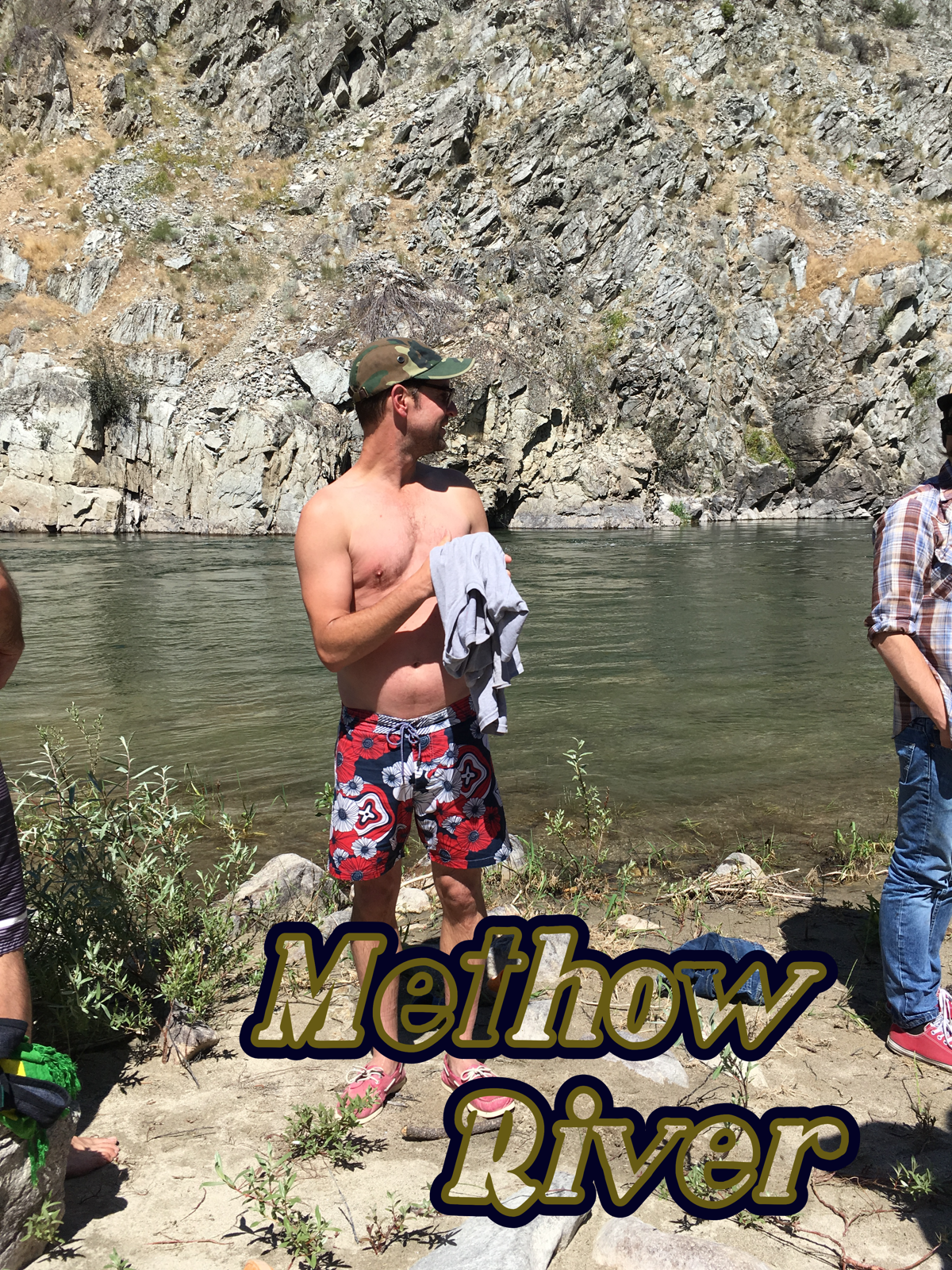
The main benefit is that you can blank out the layer content while keeping the layer styles on, for hollow text strokes and hollow outer glows like these:
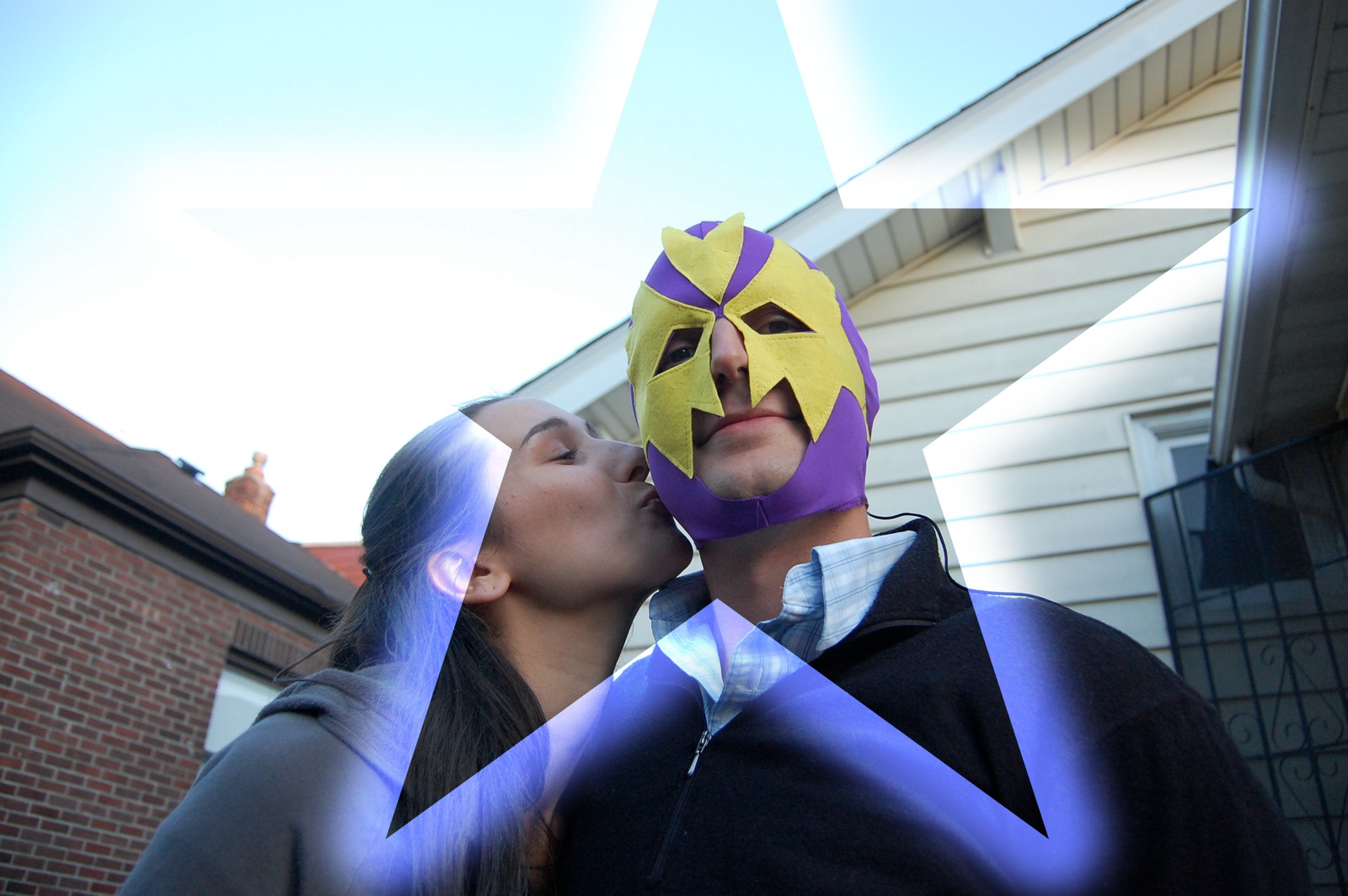
Also, Fill operates differently on the "special 8" blend modes — Color Burn, Linear Burn, Color Dodge, Linear Dodge, Vivid Light, Linear Light, Hard Mix and Difference. You may have noticed using opacity with the Difference blend mode isn't terribly useful as it just cancels out to gray. Try using the Fill slider instead and notice the difference.
But the most important reason we added the Fill slider is still to come: clipping masks. More on that soon!