Normal Linear blend mode
As a paid user of Acorn 8 I always look forward to their release notes, and in the Acorn 8.6 release notes I saw linear interpolation for brushes and thought [in kind of a Jon Stewart voice] "maybe add to Mojave Paint?"
The technical implementation was easy; I already had srgbToLinear() and linearToSrgb() from the gradient interpolation modes. The hard part, as always, is the UI. I decided to make it optional but default (for the paintbrush), and optional but not default for the pencil (which has hard edges, so it could only matter when you have opacity < 1). This way, if you want the brush to use the Normal blending mode you still can, which is traditional and expected behavior probably.
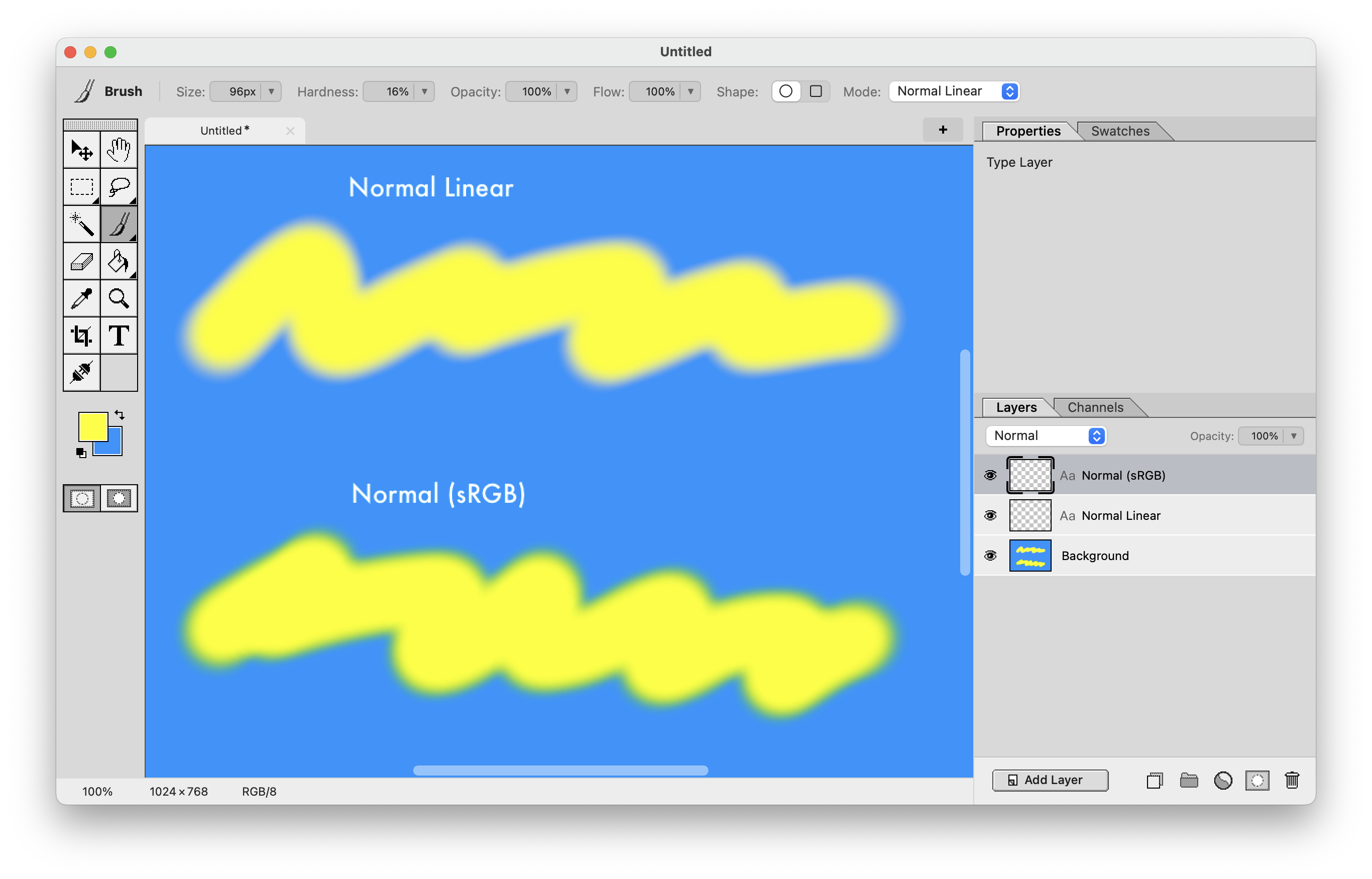
Here's a screenshot comparing the two. Regular Normal gives you a green fringe around the soft yellow stroke, while the Normal Linear mode looks like the yellow simply fades out, no green. There actually is green – there kind of has to be if you blend blue and yellow – but when mixing in linear space the greens get muted here and the overall effect is much more natural looking.
Look for it in the 1.2.5 release that just came out today.