View Askew
Version 1.7.0 of Mojave Paint adds skew transformation1 (aka shear) and I wanted to demo it by recreating a design I found in the wild.
Such as this pretty cool 3D-looking text block design I saw recently on r/graphic_design (before I got banned 😲).
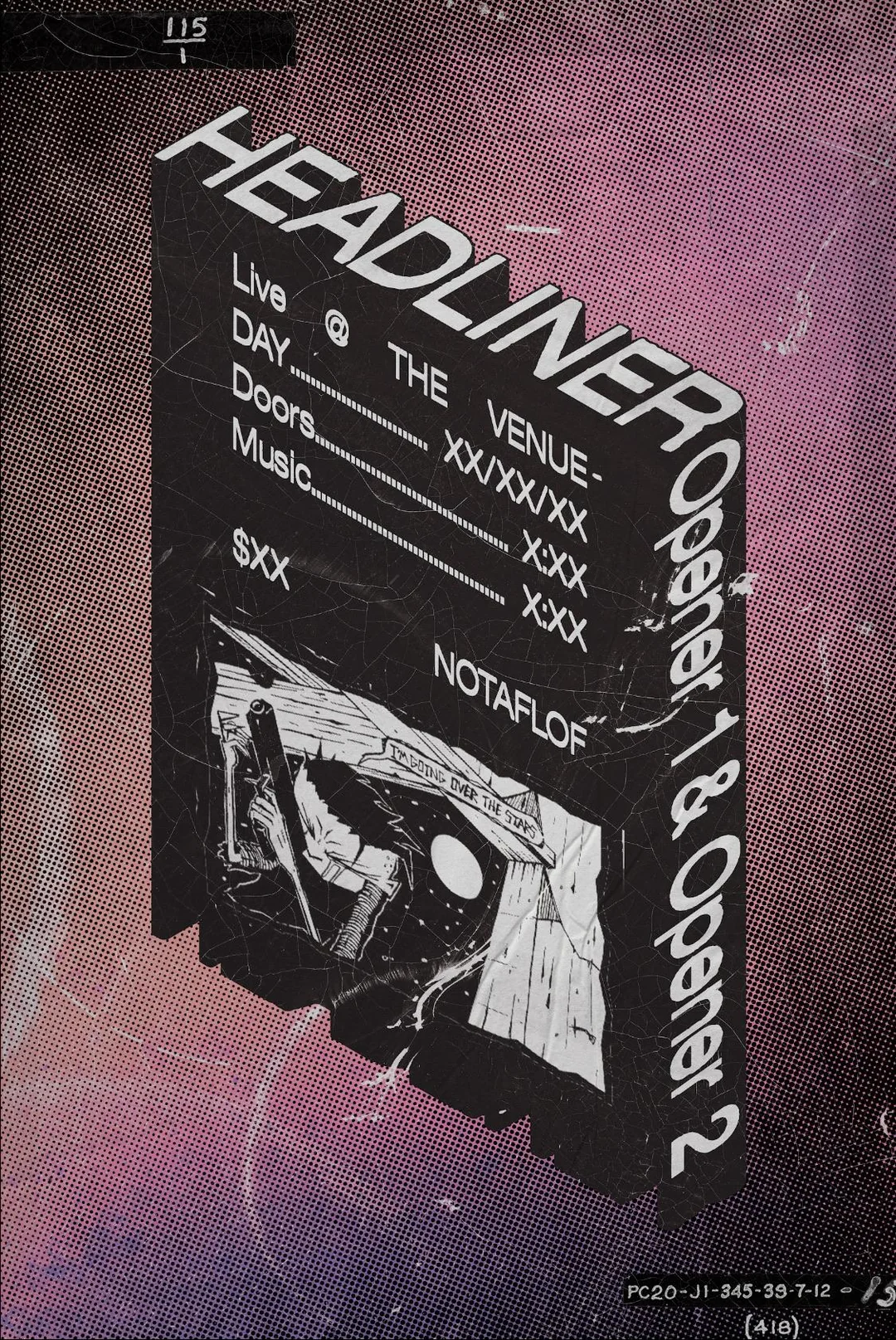
Flyer Mockups by u/Weird_Guarantee1783
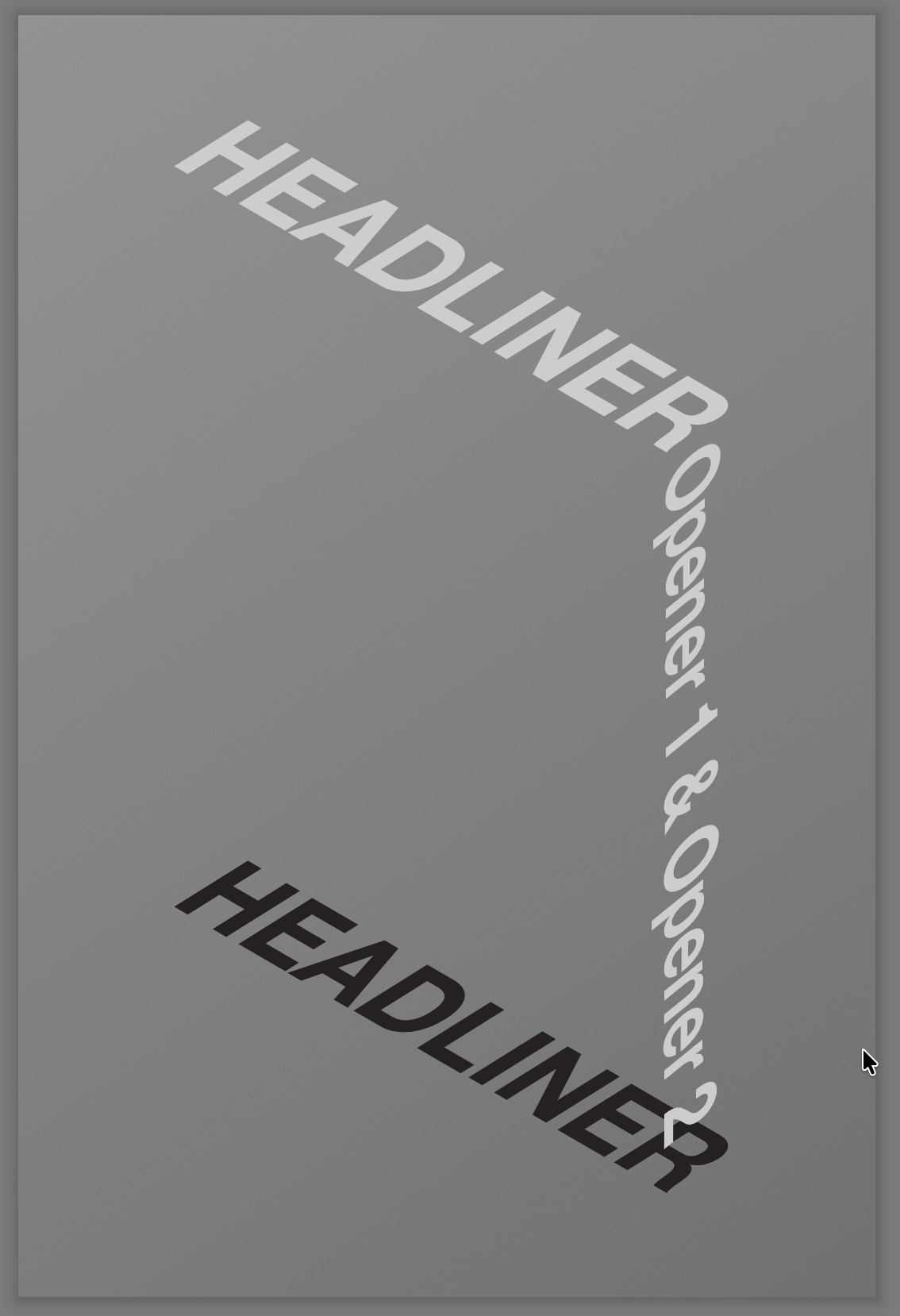
First I copied that image into a new layer for reference then I started placing some type and transforming to match the position as best as I could. You'll see in the video I hold Command to turn the edge control points green, making them in to skew handles.
(Some people have "face blindness" but I have "typeface blindness" when it comes to grotesk fonts, so I just used Helvetica Neue. Not really a match but same general family.)
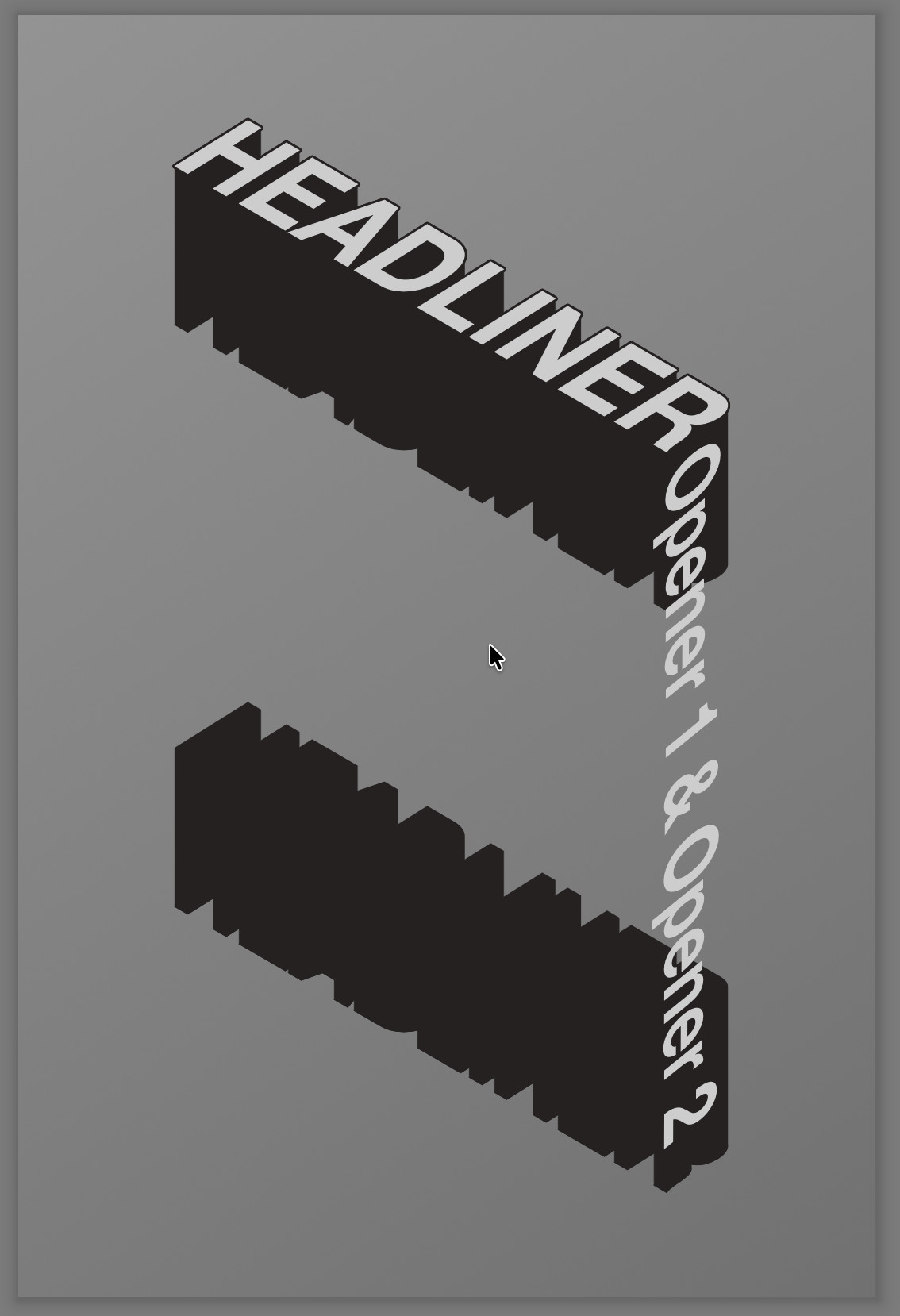
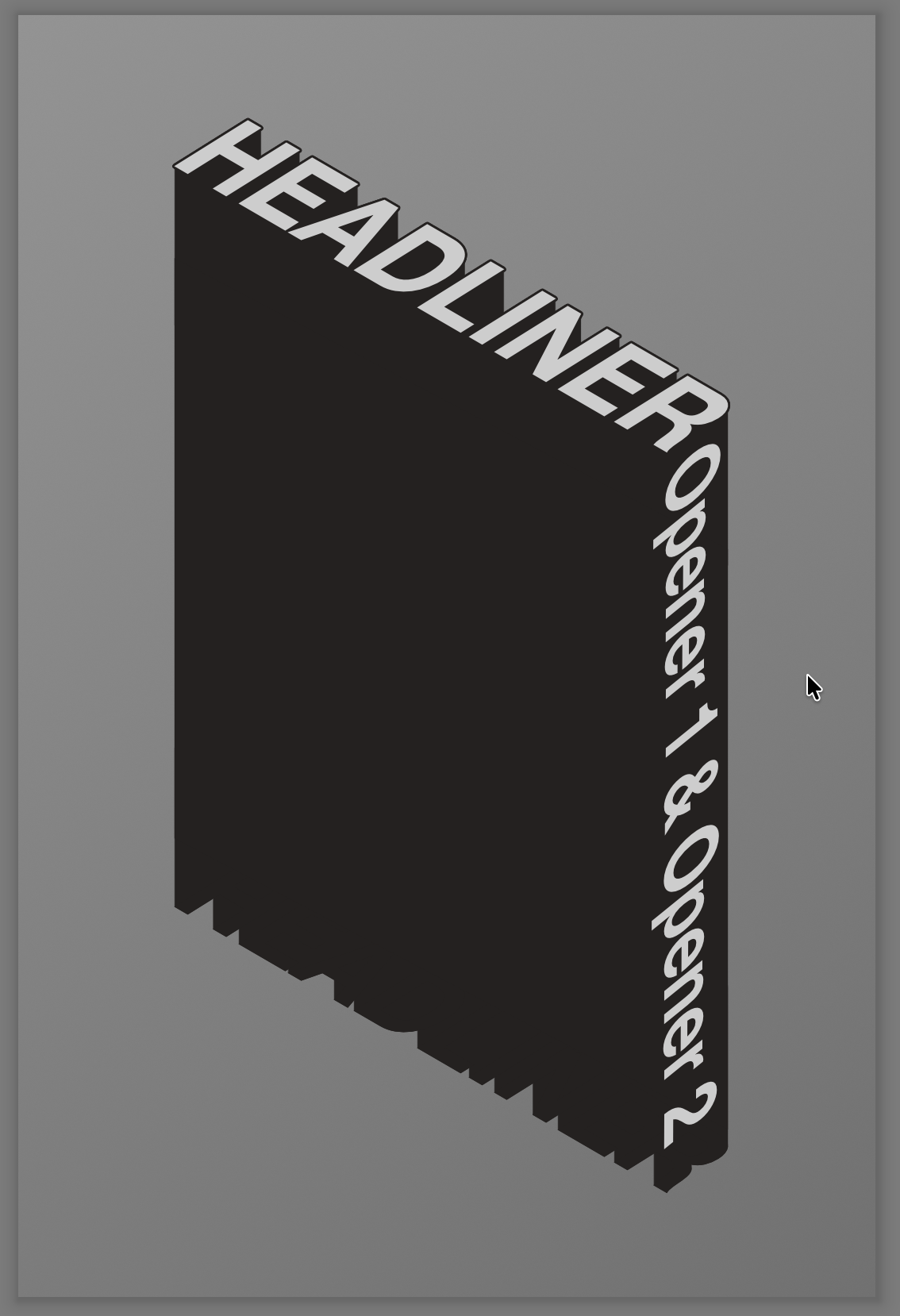
Then I just added the rest of the type, gave the top and bottom ones hard-edged drop shadows with the Extrude option enabled (a feature that just landed in 1.7.1), and filled in the gap with a skewed Rectangle shape layer. Here's the step by step on that (use the arrow keys to flip through):
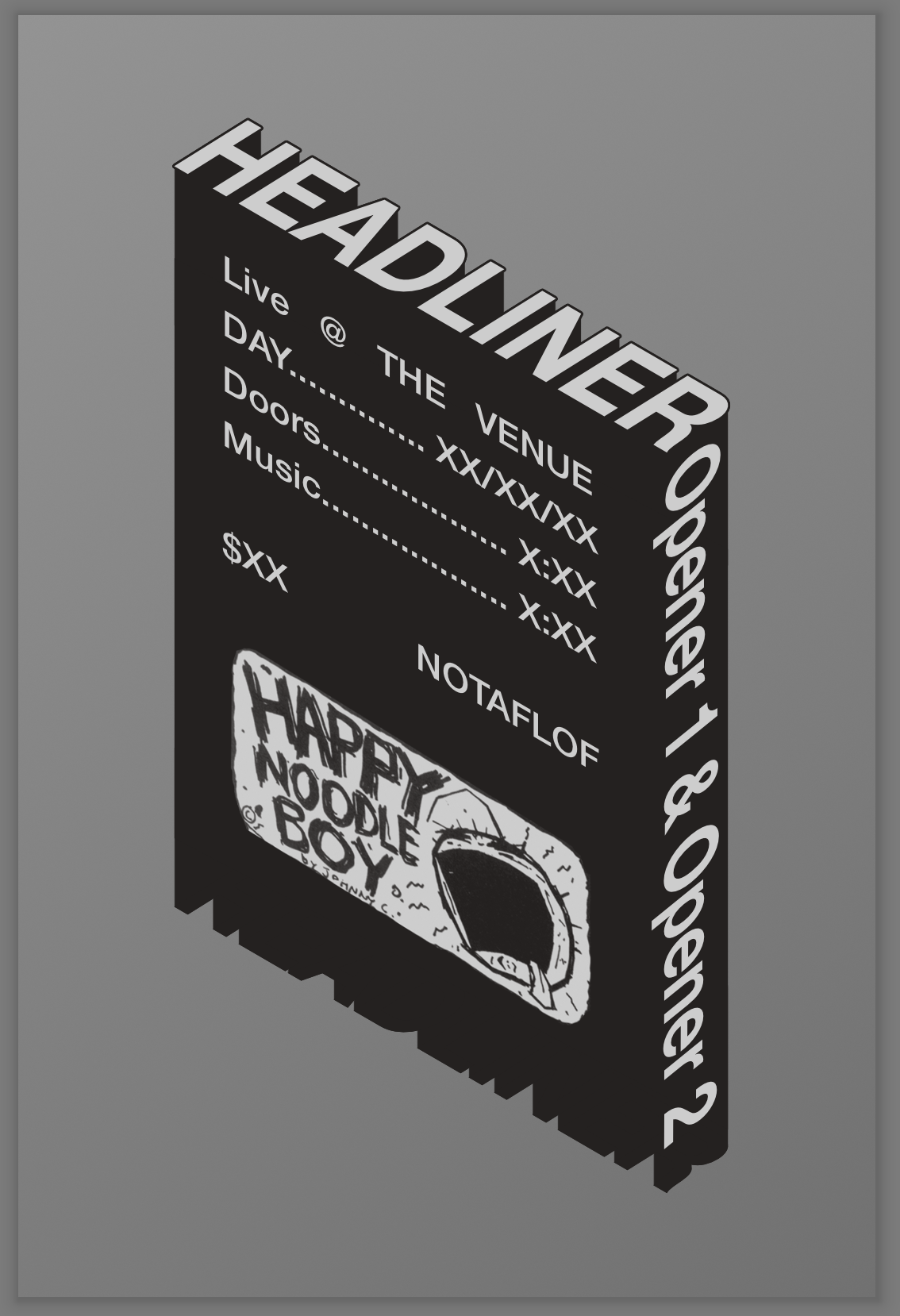
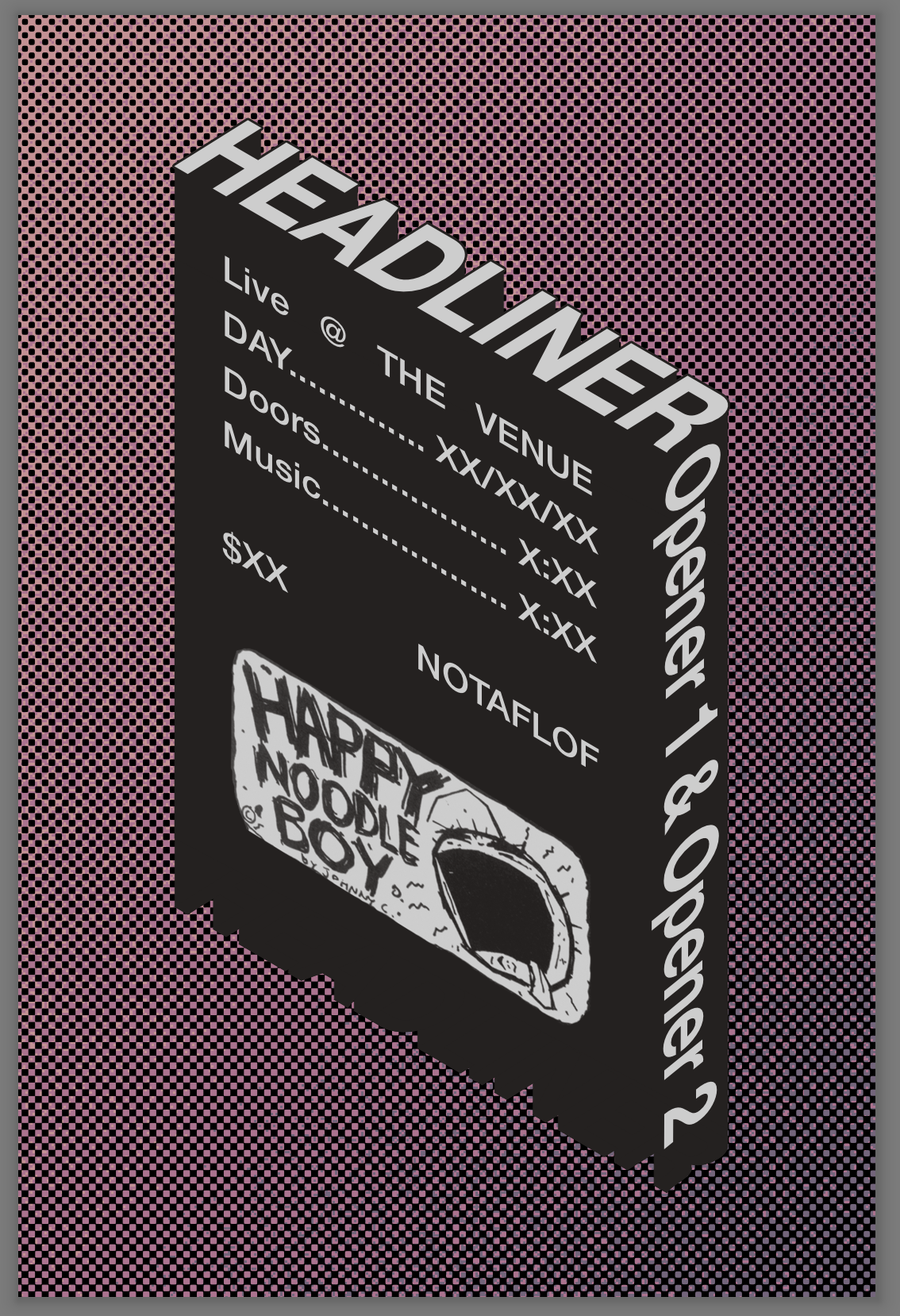
The last step adds a background — it's just a Gradient adjustment layer with 3 color stops, and a halftone effect overlayed. The halftone effect uses the "Transparent Background" option so the areas that would be bare paper in a real printed halftone are just transparent, showing the background through. I could honestly write a whole blog post just about the Halftone filter in Mojave Paint.
Also, that graphic on the front was black and white, so I gradient mapped it to the silver and dark soot colors in the design. That's a destructive operation so you unfortunately won't be able to see it in the source file. A Gradient Map adjustment layer is definitely on my todo list though!
This whole exercise did expose one shortcoming in Mojave Paint: there's currently no way to full justify single lines of text (as the original does for "Live @ The Venue"). If you use the justify alignment that currently exists it will justify every line up to but not including the last. CoreText in macOS doesn't support that case very well, so I'm thinking about adding a word spacing slider as a workaround.
Here's my .mojavepaint file if you want to see how it's constructed. If you don't have Helvetica Neue installed it might look a little messed up though. Highlights include: saved color swatches in the Swatches panel, multiple layer styles on the same layer (stroke and drop shadow), and using all 4 layer types (pixel, type, adjustment and shape).
Download the source file: weird-guarantee1783.mojavepaint
Thanks for reading!
Footnotes
-
It actually was possible to skew prior to 1.7.0 by rotating a layer, then non-proportionally scaling it as part of a multi-layer selection, because multi-layer selections always scale by their axis-aligned bounding box, but this was purely accidental. ↩