What are those filters under "Other" for?
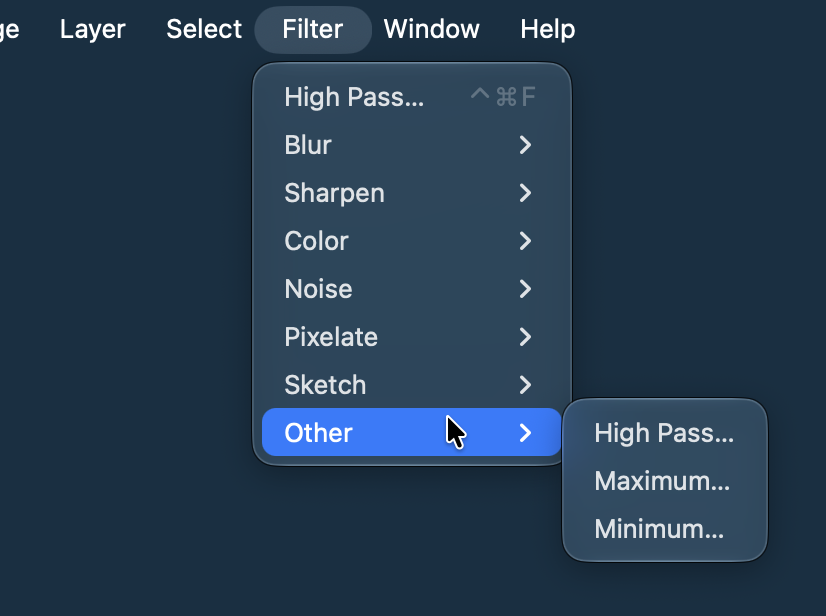
In the Filters menu you'll see an "Other" submenu that has High Pass and Minimum/Maximum filters. You might wonder what those are for.
Minimum
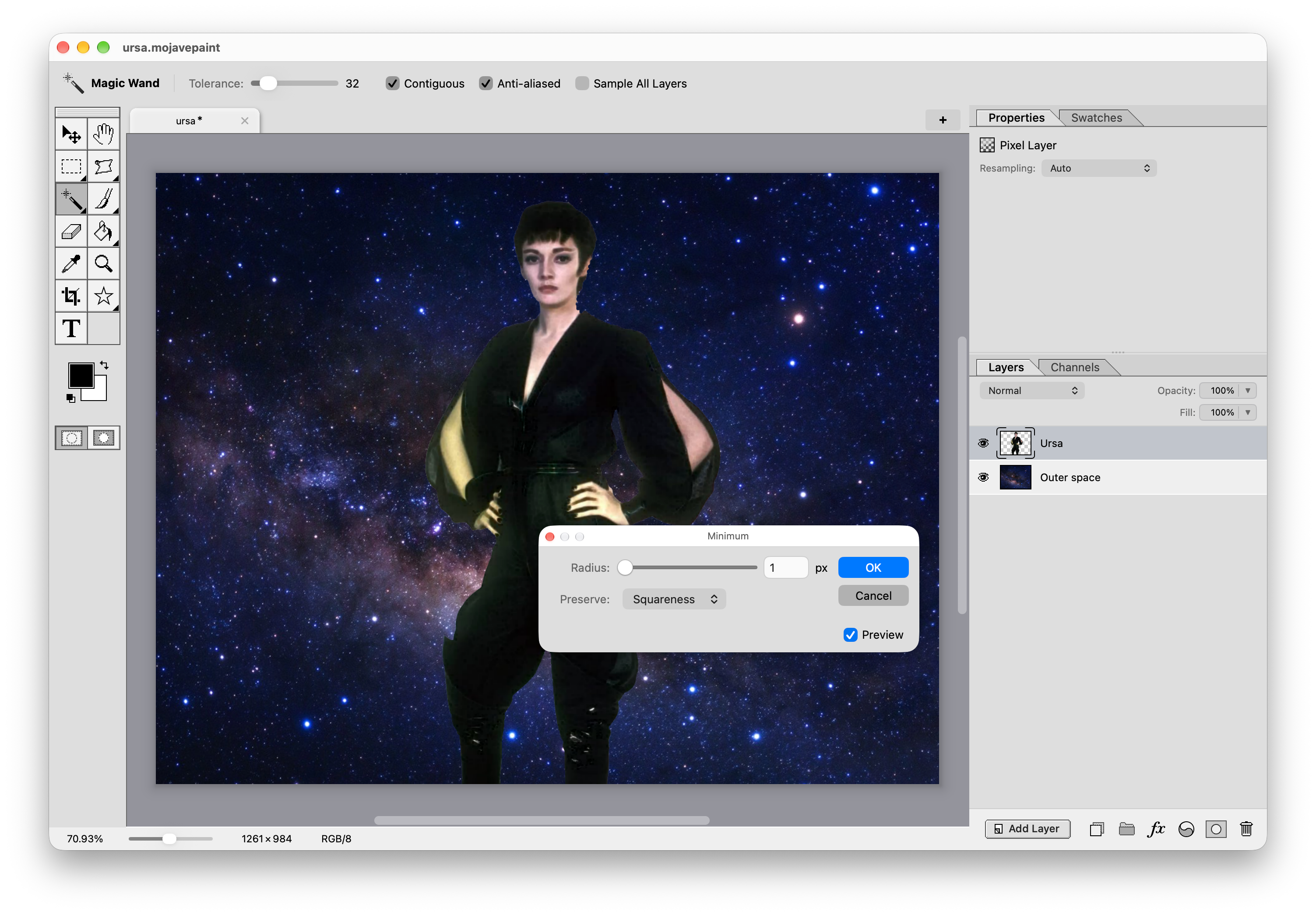
This one is commonly used to remove white fringes after cutting out a white background.
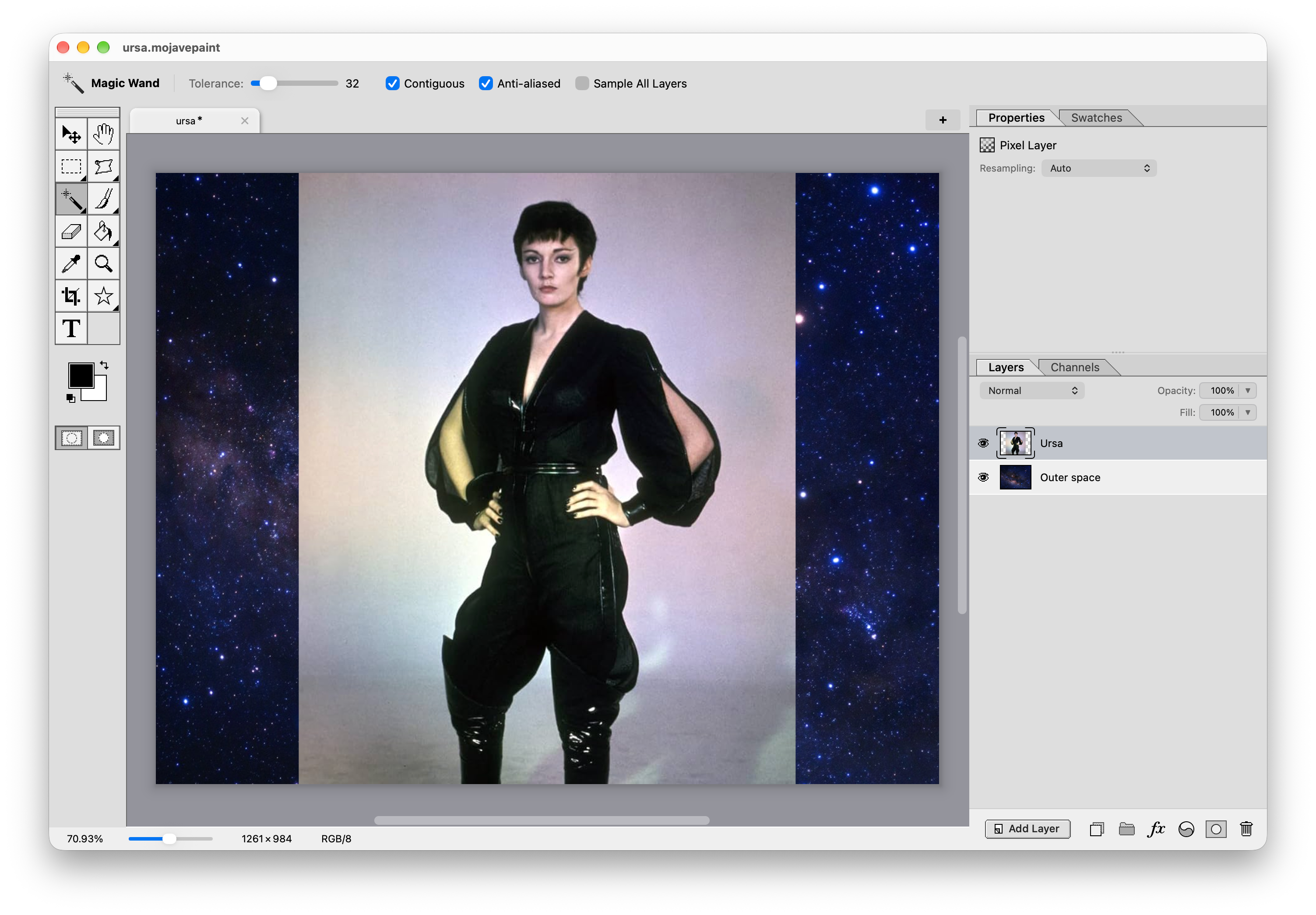
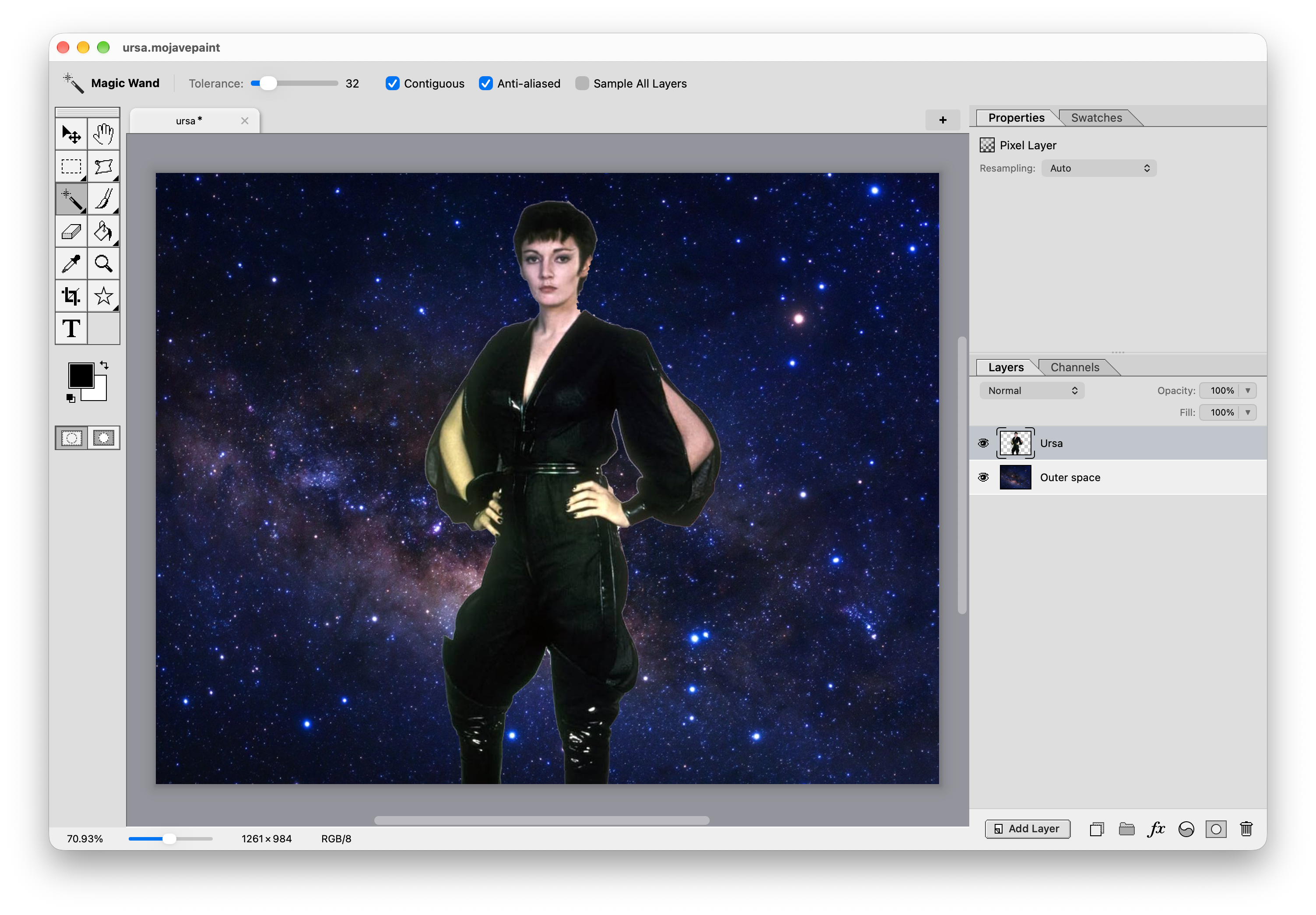
At the end of my clipping mask post you can see some of the Superman villains with the background cut out to show the outer space behind. But I did a crap job of it because the white fringe still shows.
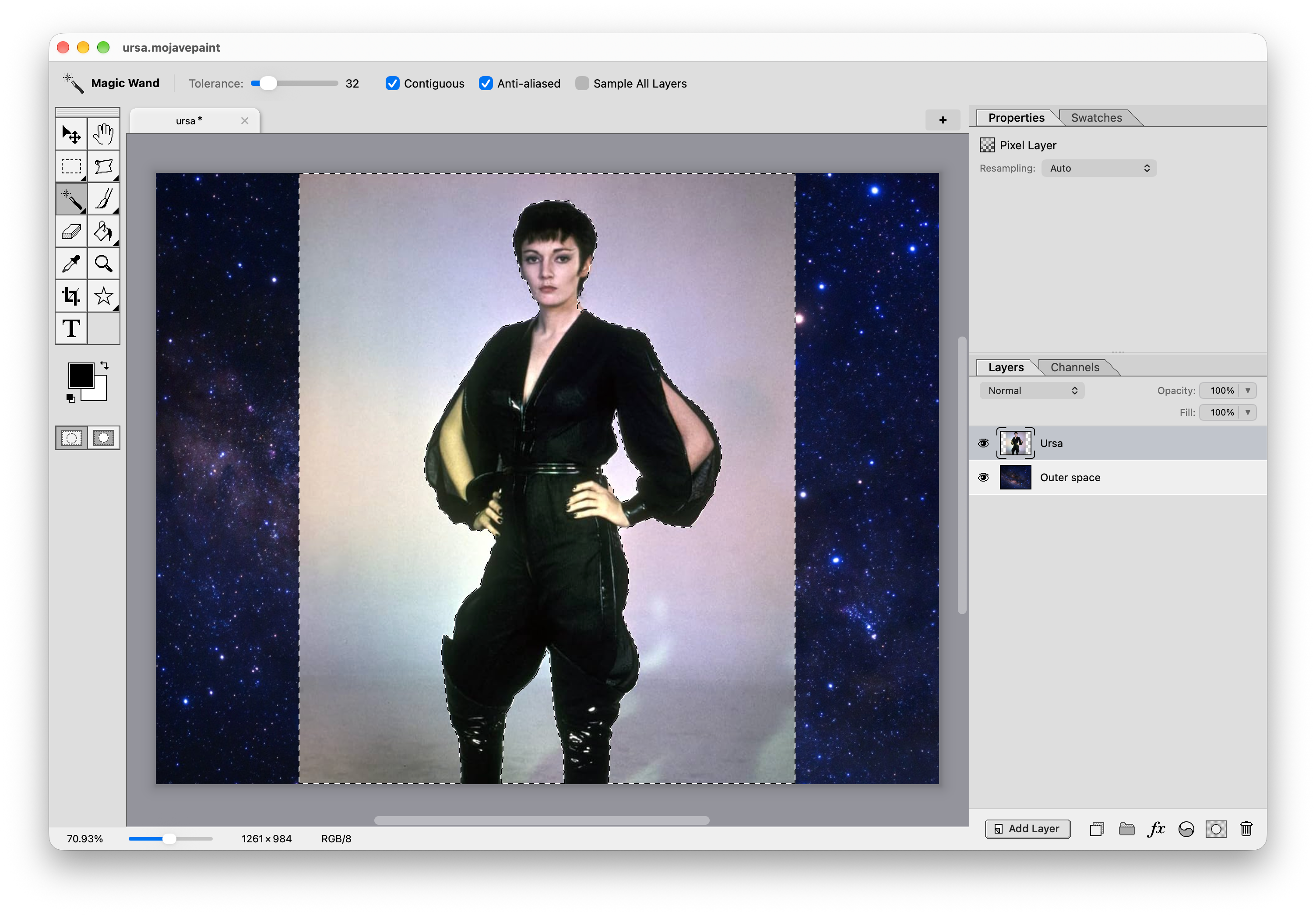
Let's clean up Ursa. Here's the progression using the magic wand to select the background parts, deleting those, then using Filter > Other > Minimum with a 1px size to remove that fringe. (Use the arrow keys to page through these screenshots.)
High Pass
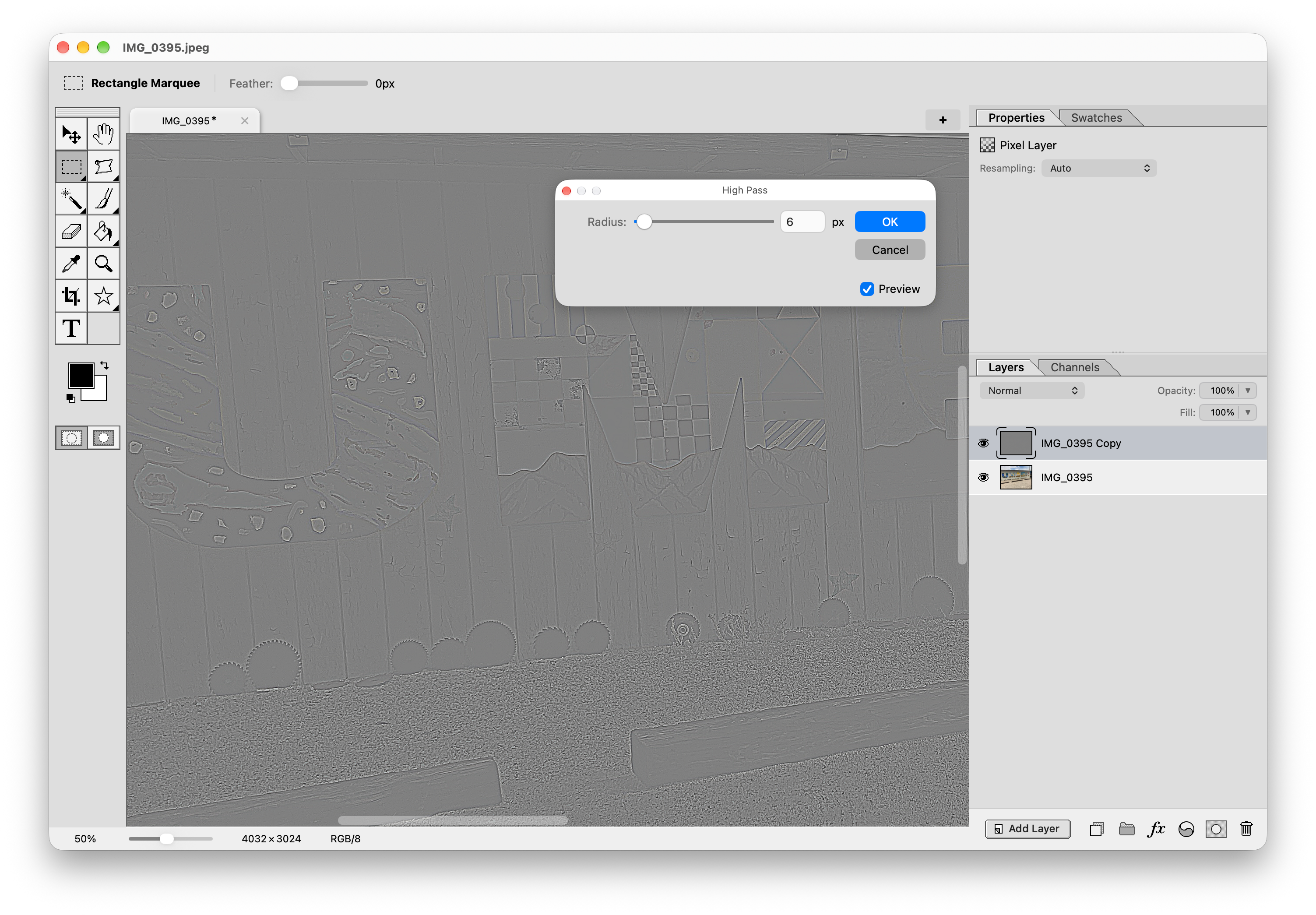
This is typically used for sharpening, giving you a bit of a different result than you'd get with Unsharp Mask.
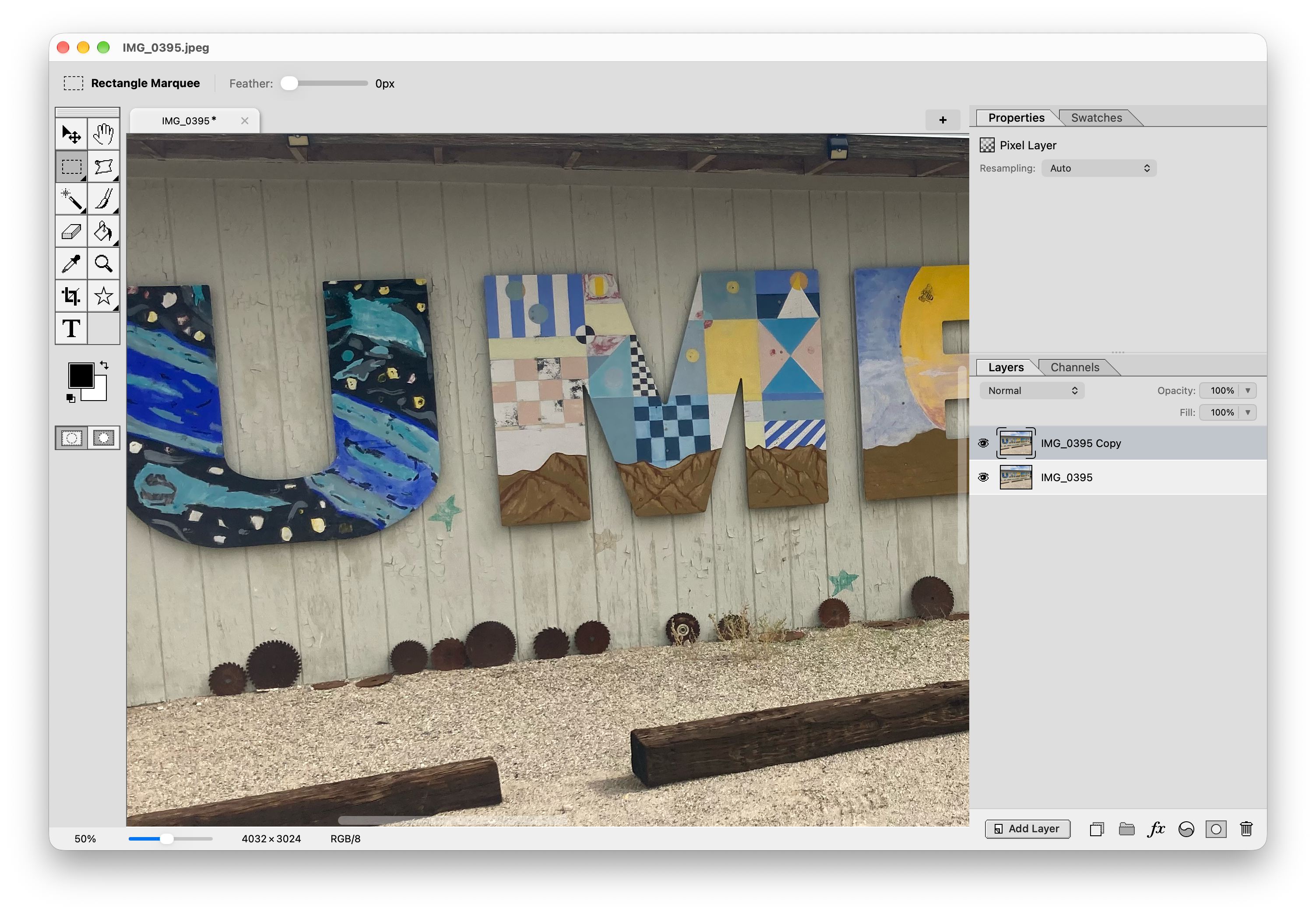
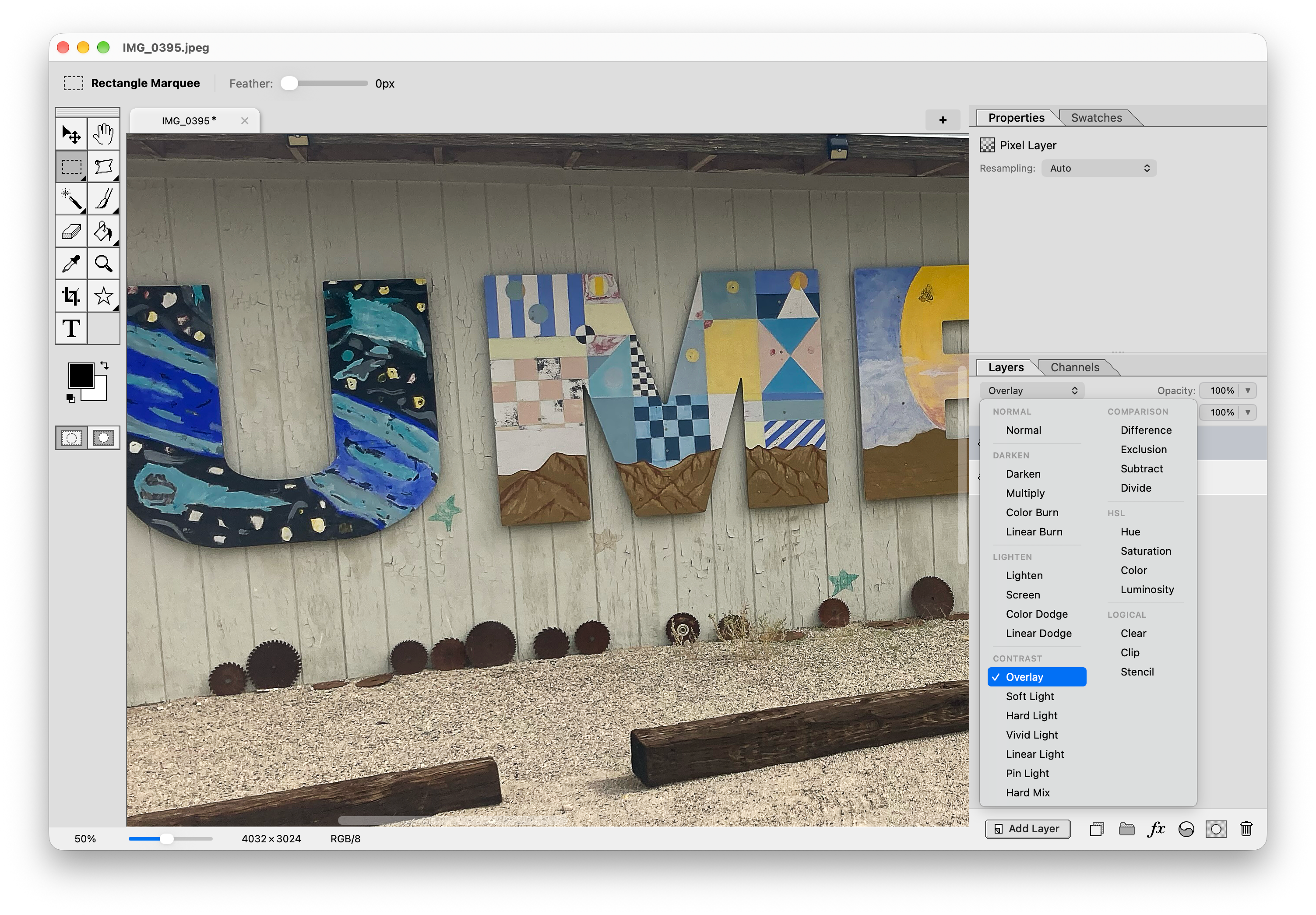
You duplicate the layer, filter with High Pass just enough to see the edges, then blend it down with Overlay or any of the contrast blend modes.