About
A new macOS image editor with familiar key bindings and a somewhat retro aesthetic. Keeping the dream of the '90s alive!
No AI tools here – plenty of other apps do that. We focus on deterministic and mathematical mutations rather than stochastically generated slop.
Built for Apple Silicon. Requires macOS 15 Sequoia.

This free download offers a 14-day trial period, after which
it's a $4.99 one-time purchase to buy a perpetual license.
Blog
Features
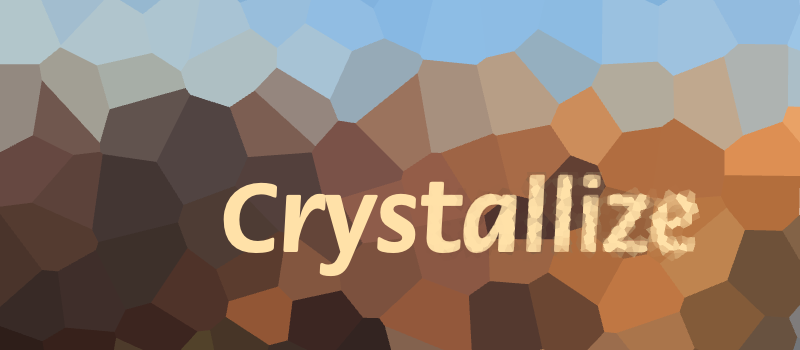
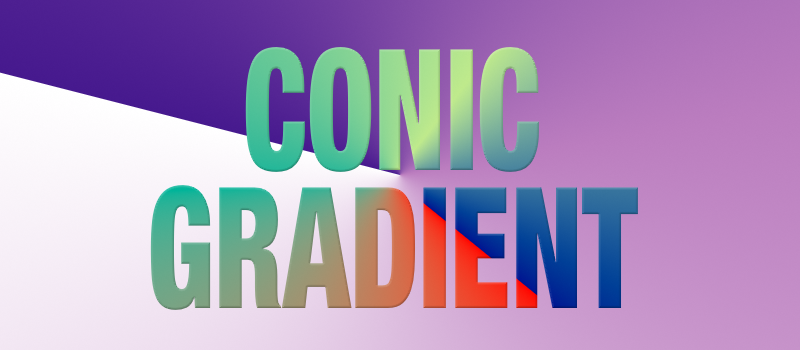
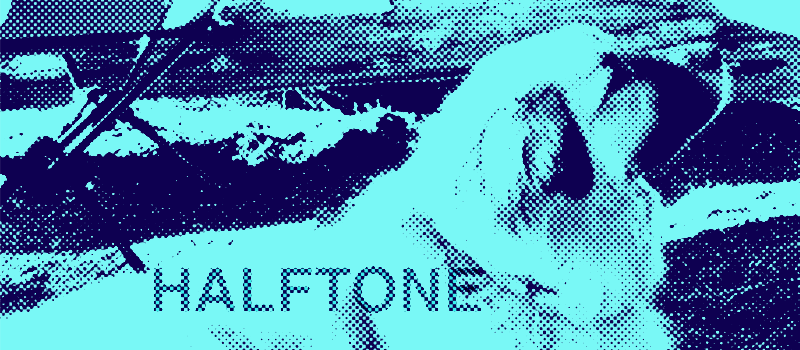
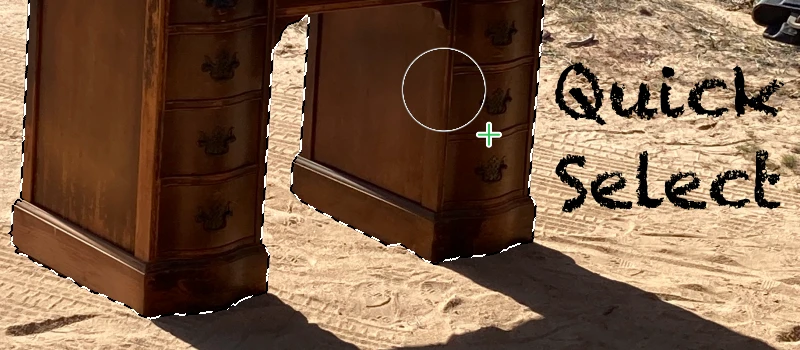
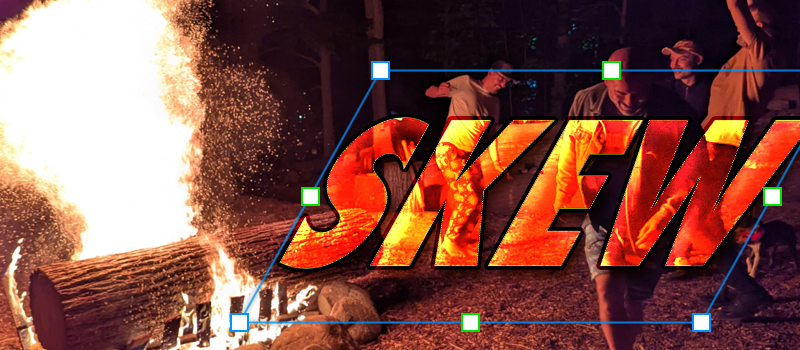
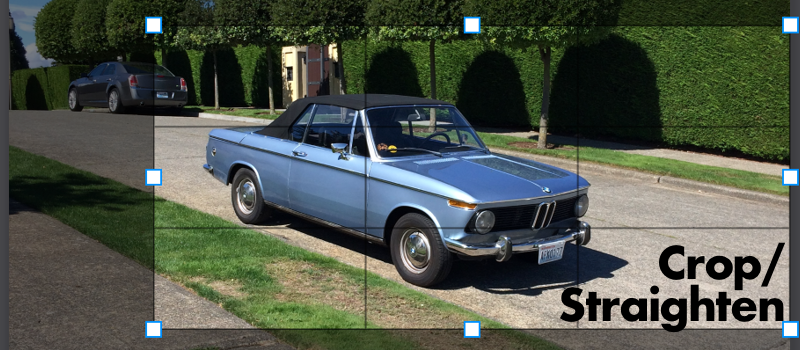
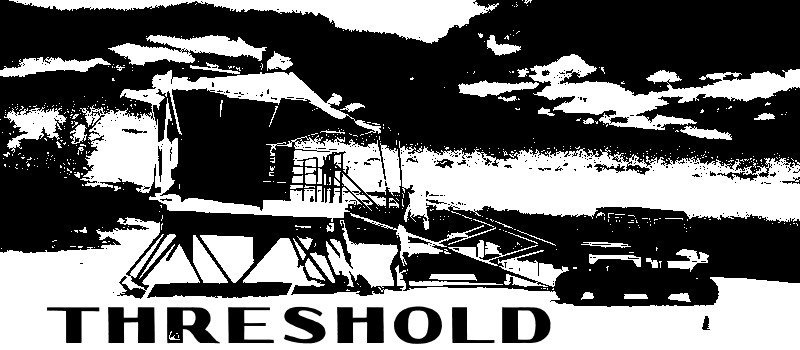
What can you do with Mojave Paint?
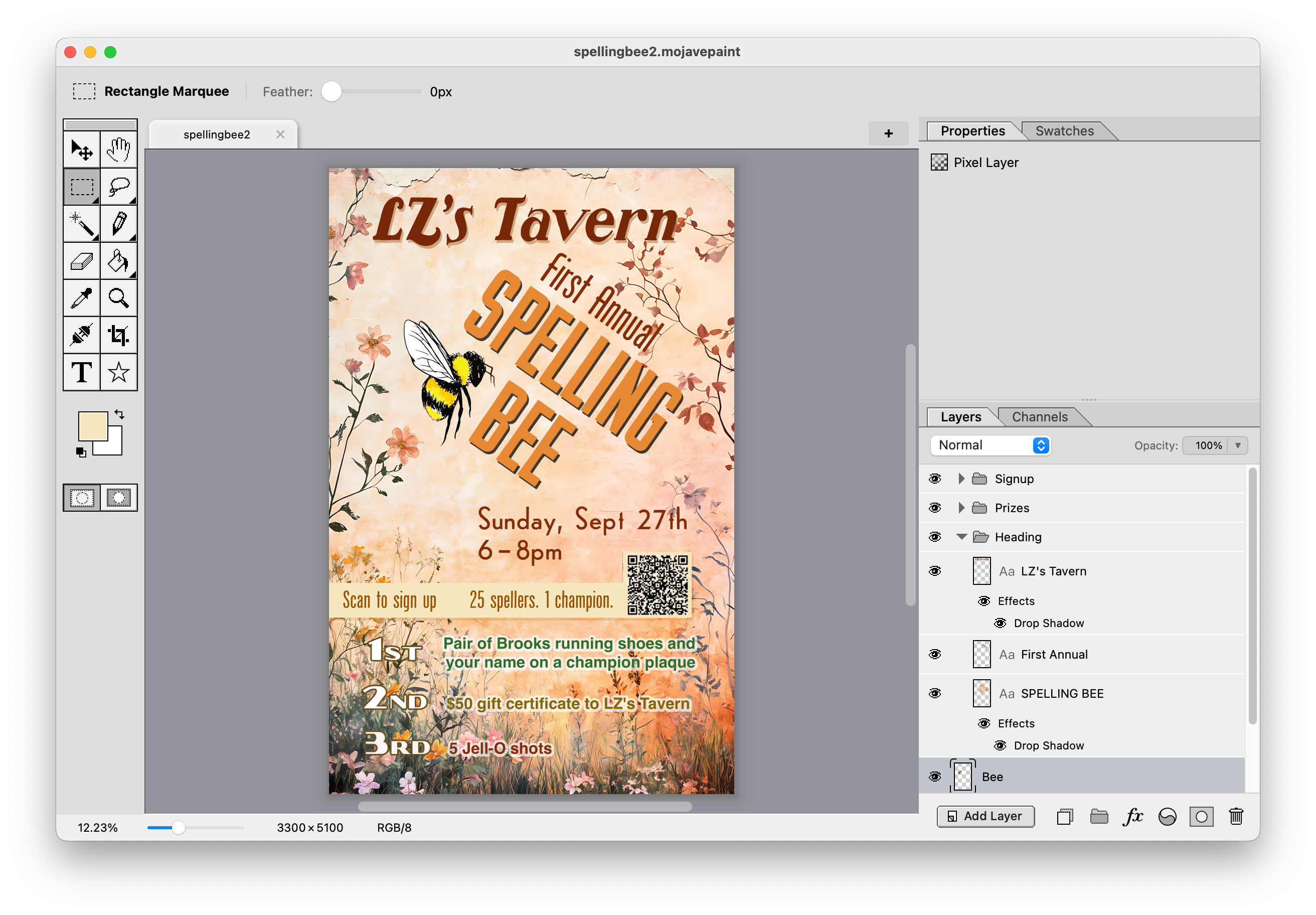
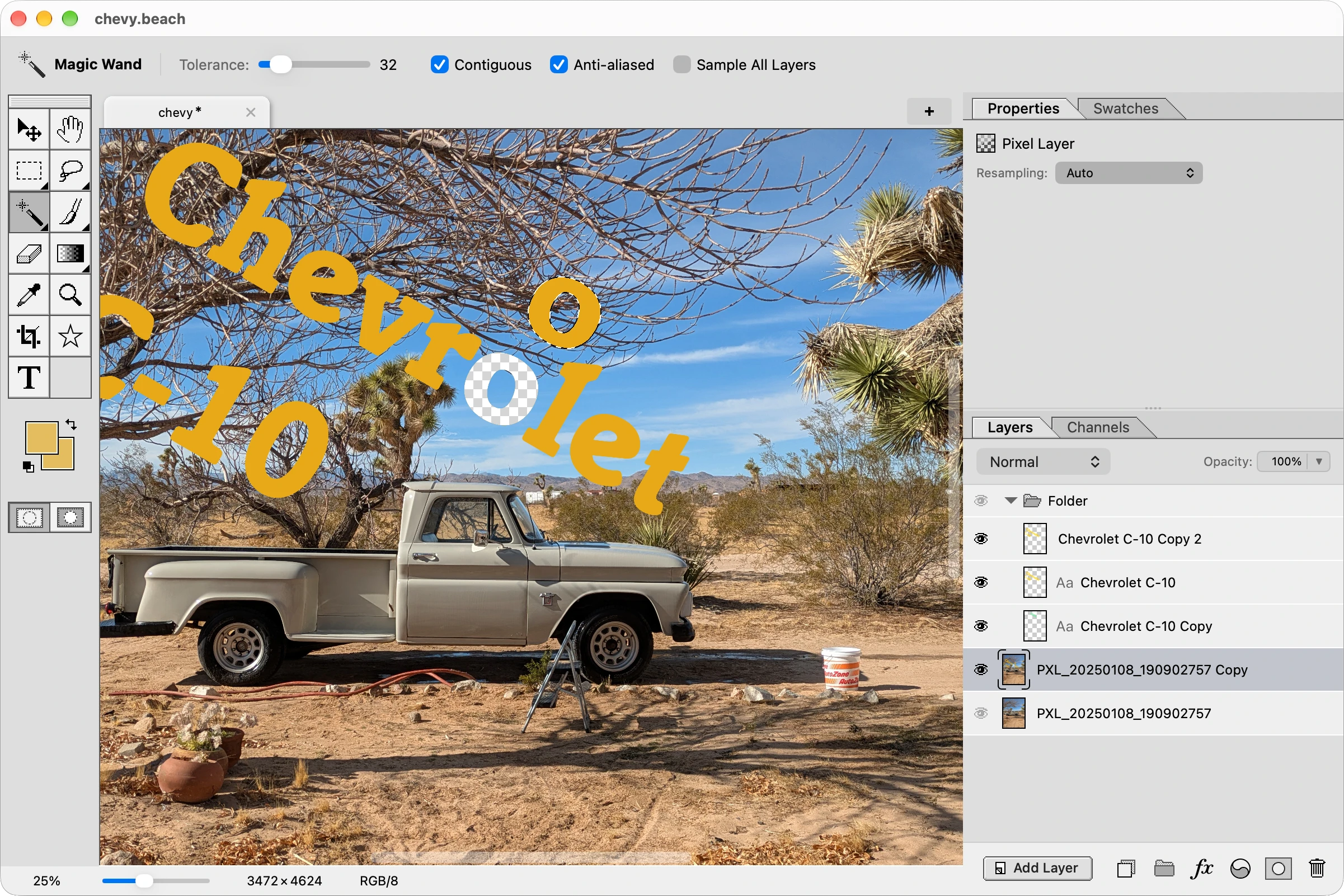
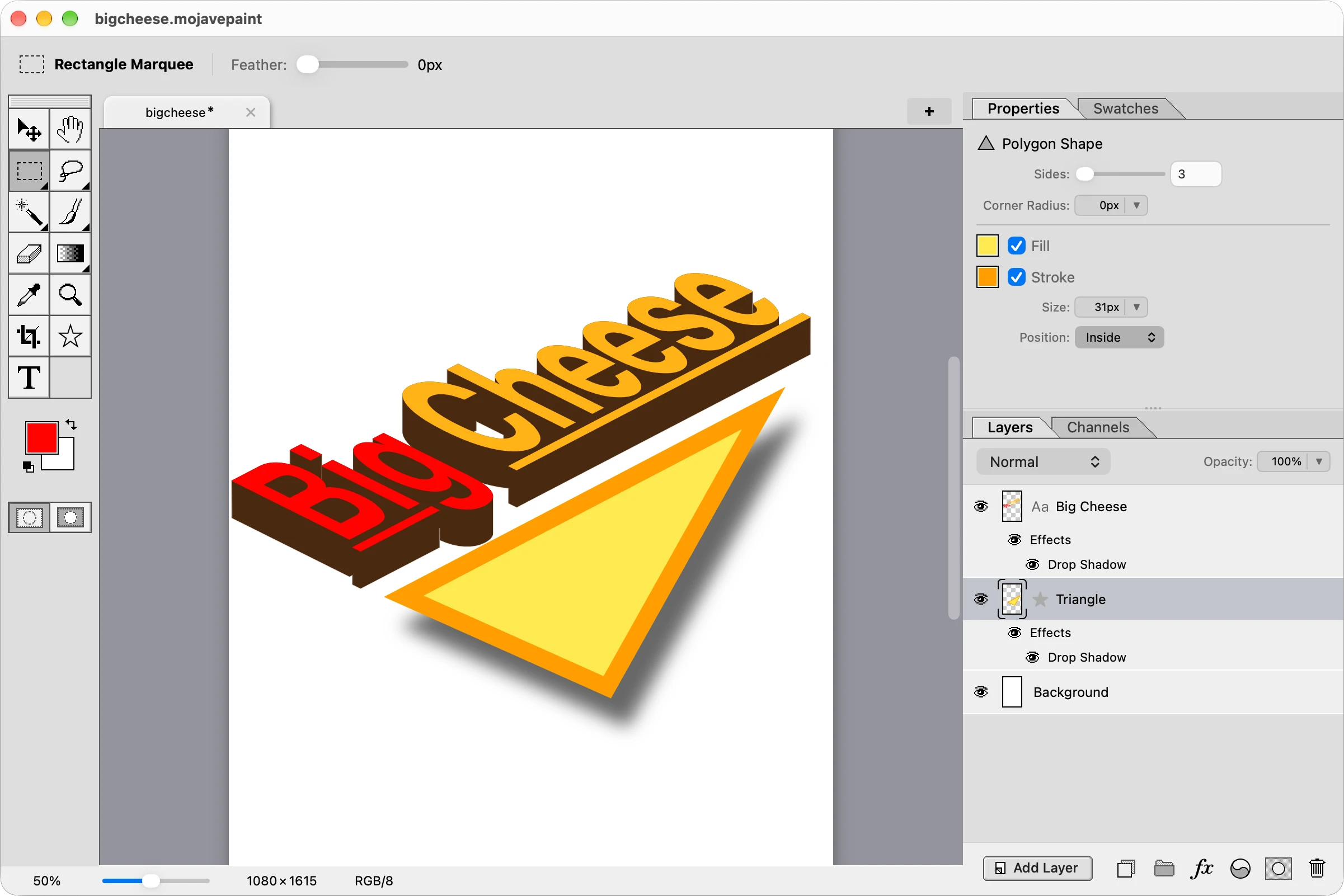
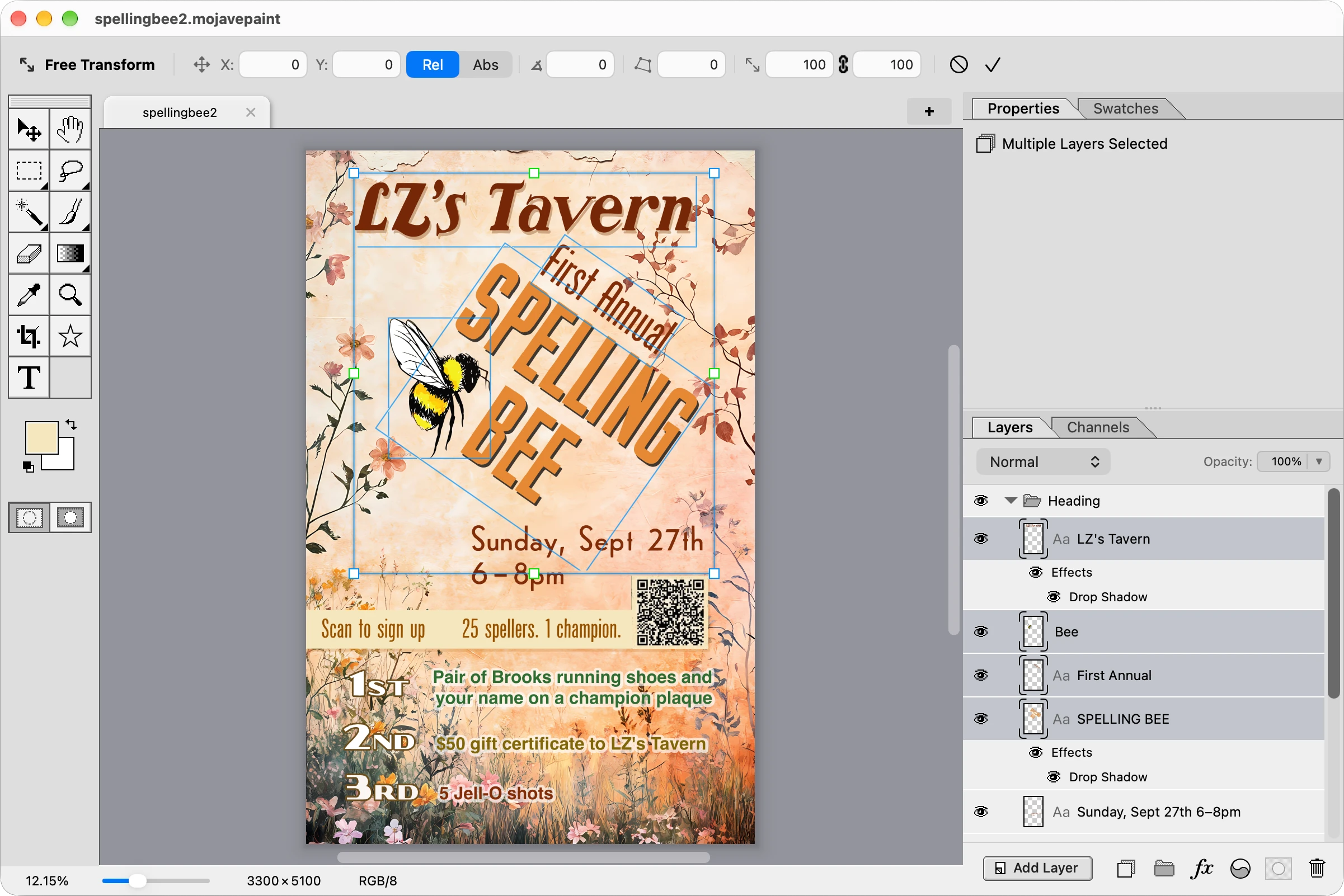
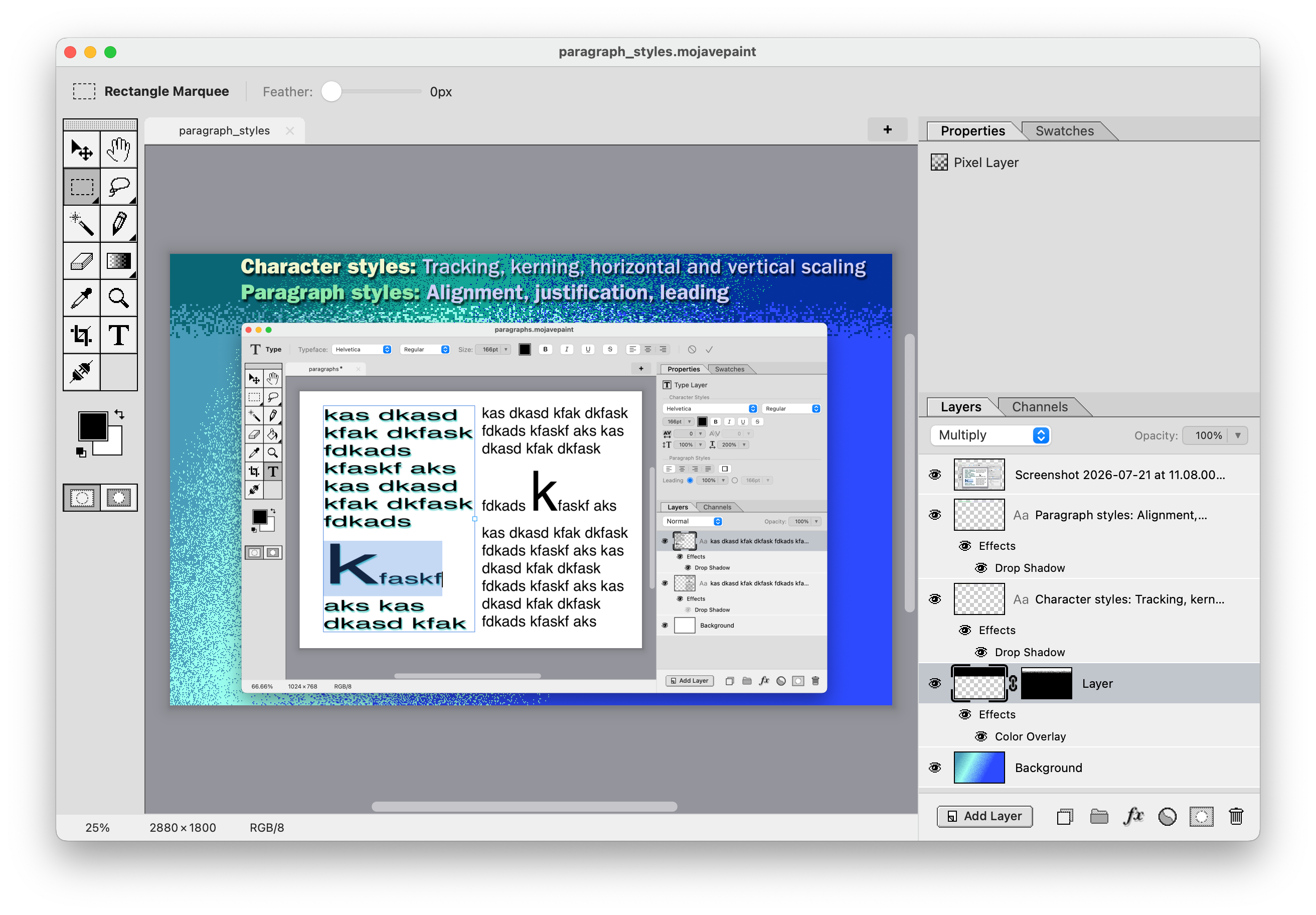
Design a flyer!
Design App Store screenshots!
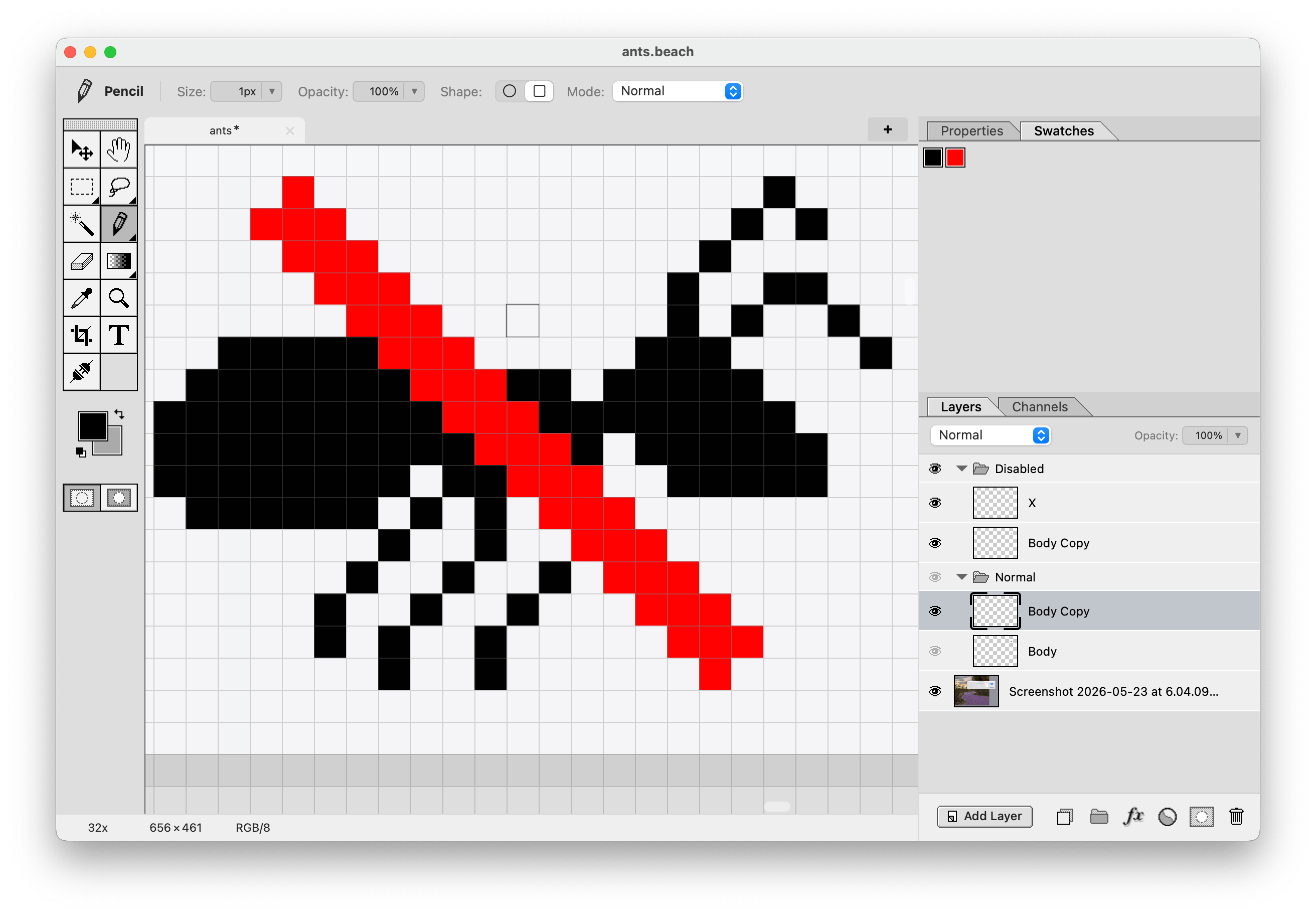
Draw an icon!
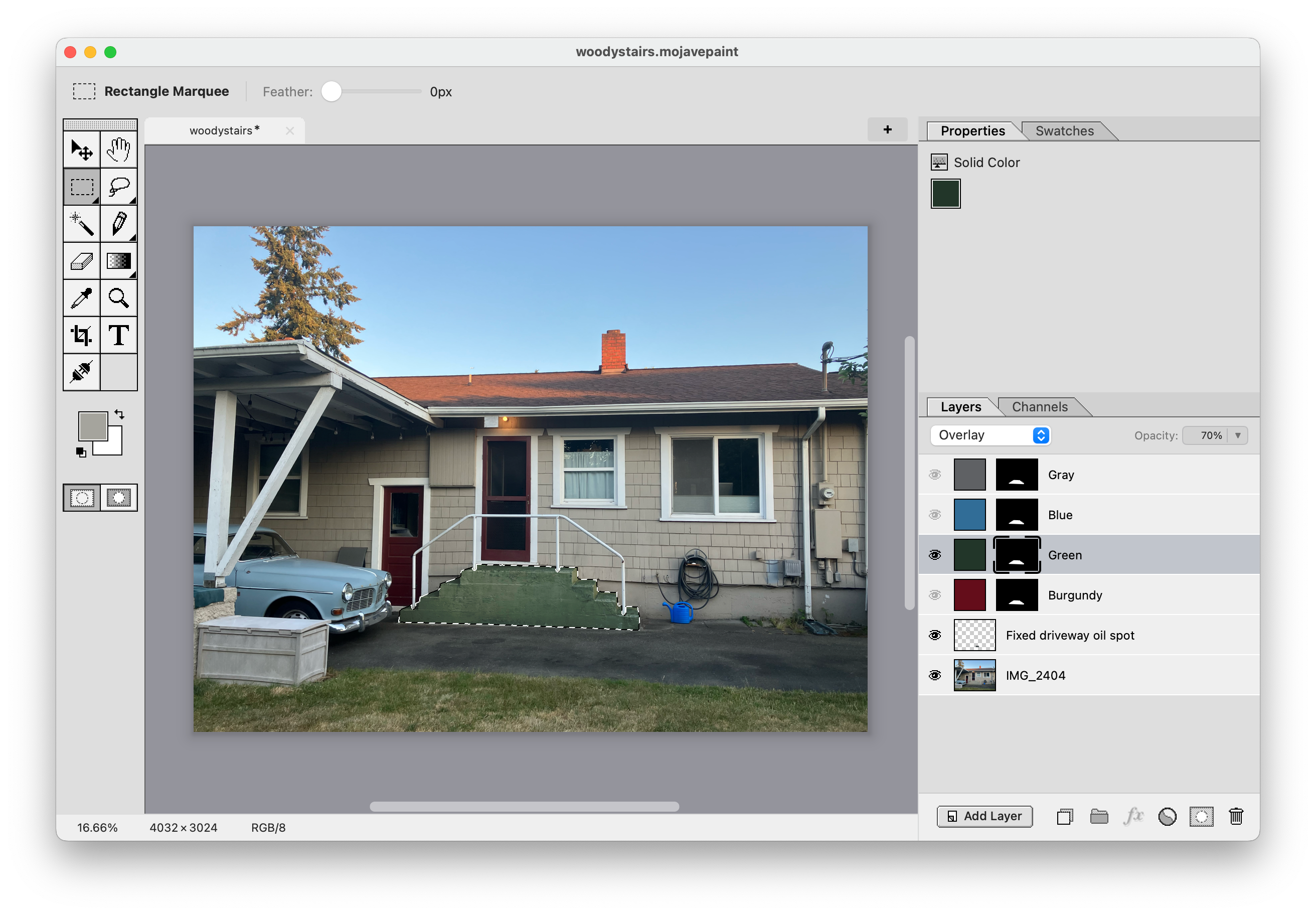
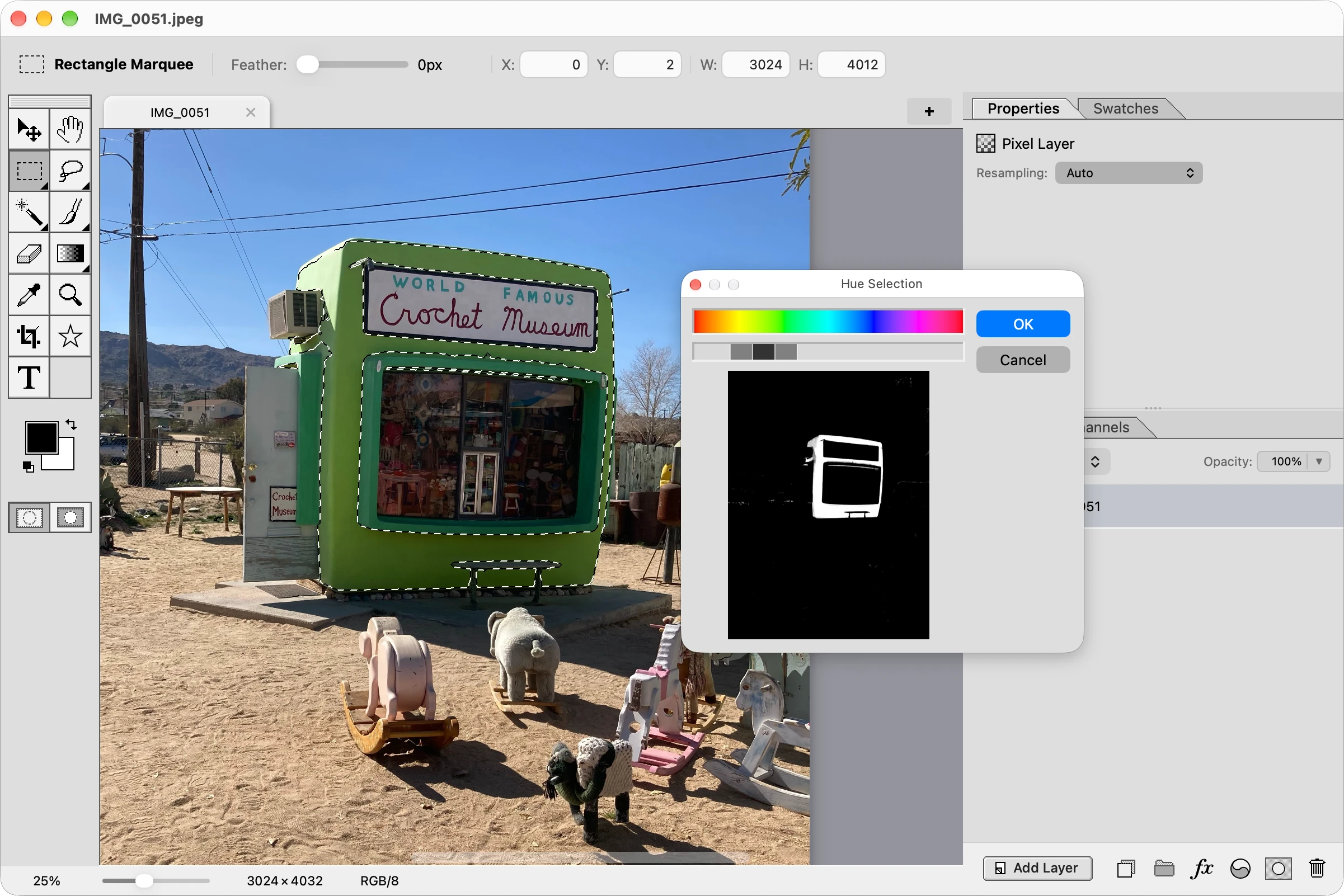
Re-color specific areas of a photograph!
Video gallery
Interactive roadmap
Warp tool
Warp on a grid, or fancier options like Liquify.
PSD import and export
And layered TIFF while we're at it. Pixel layers and type layers (with styles) should come across in high fidelity, other features will have to be lossy.
Pattern fill
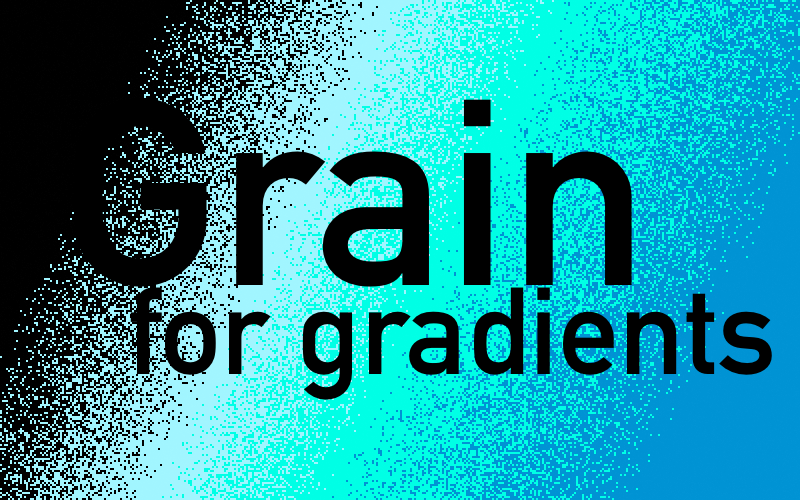
Repeating patterns you can use as a fill anywhere you'd otherwise use solid color or gradient fills.
Brush support
We currently just have circle and square. This would let you use arbitrary bitmaps as brushes, and import Photoshop ABR brushes.
ICC Color Profiles
At the very least sRGB and Adobe RGB, probably also Display P3 and ProPhoto.
Live Filters
All filters and adjustments (other than adjustment layers) are currently destructive. We need non-destructive ones also. Let's do something better than Photoshop's tedious "Convert to Smart Object".
Blend If
Or Blend Ranges as Affinity calls it.
Shape layers [Shipped in v1.7.0]
Such as square (with adjustable corner radius), circle, other primitive shapes. Ability to set fill and stroke and stroke width.
Smart objects [Shipped in v1.9.0]
Ability to set a bitmap as immutable, such that transforming it leaves the original copy non-destructively intact. This makes sizing up and down not lose detail.
Character and paragraph styles [Shipped in v1.4.0]
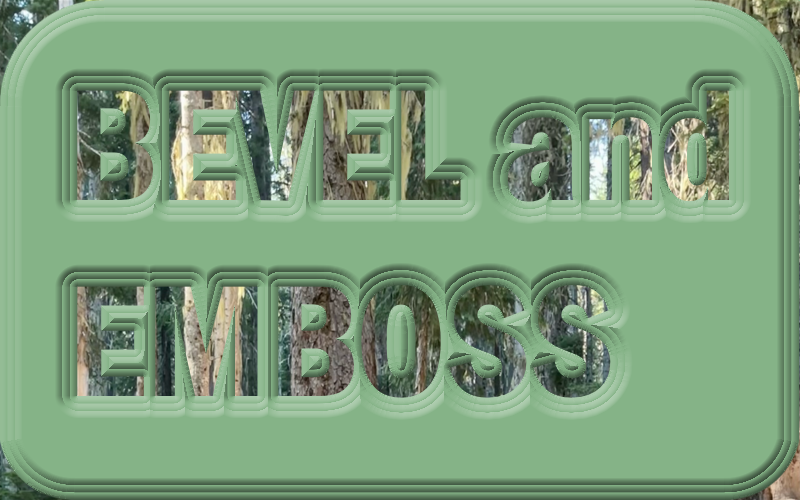
Character style would include kerning and tracking. Paragraph style would include alignment and leading.
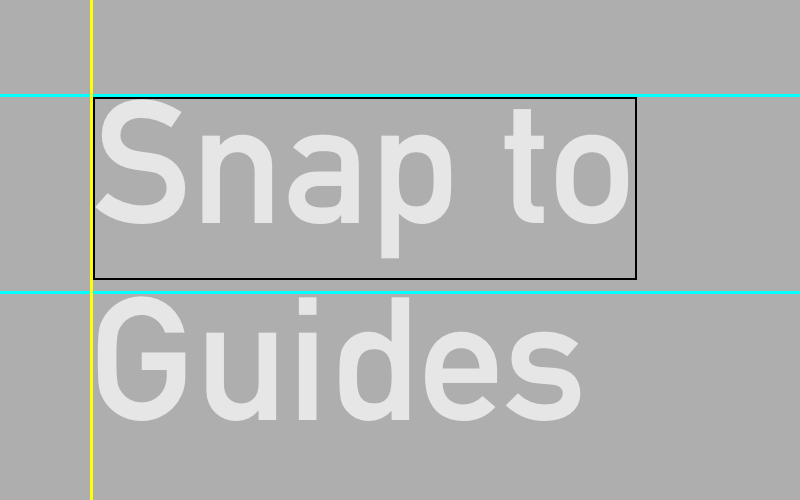
Snap to guides [Shipped in v1.2.2]
Dragged element snapping to guides. Affects the move tool and the rectangle marquee and crop tool regions, among possibly other things.
Dodge and burn tools [Shipped in v1.8.3]
Brush that lightens and darkens.
Photographic adjustments [Shipped in v1.6.0]
Photo retouching controls such as sliders for exposure, color balance, shadows, highlights, etc.
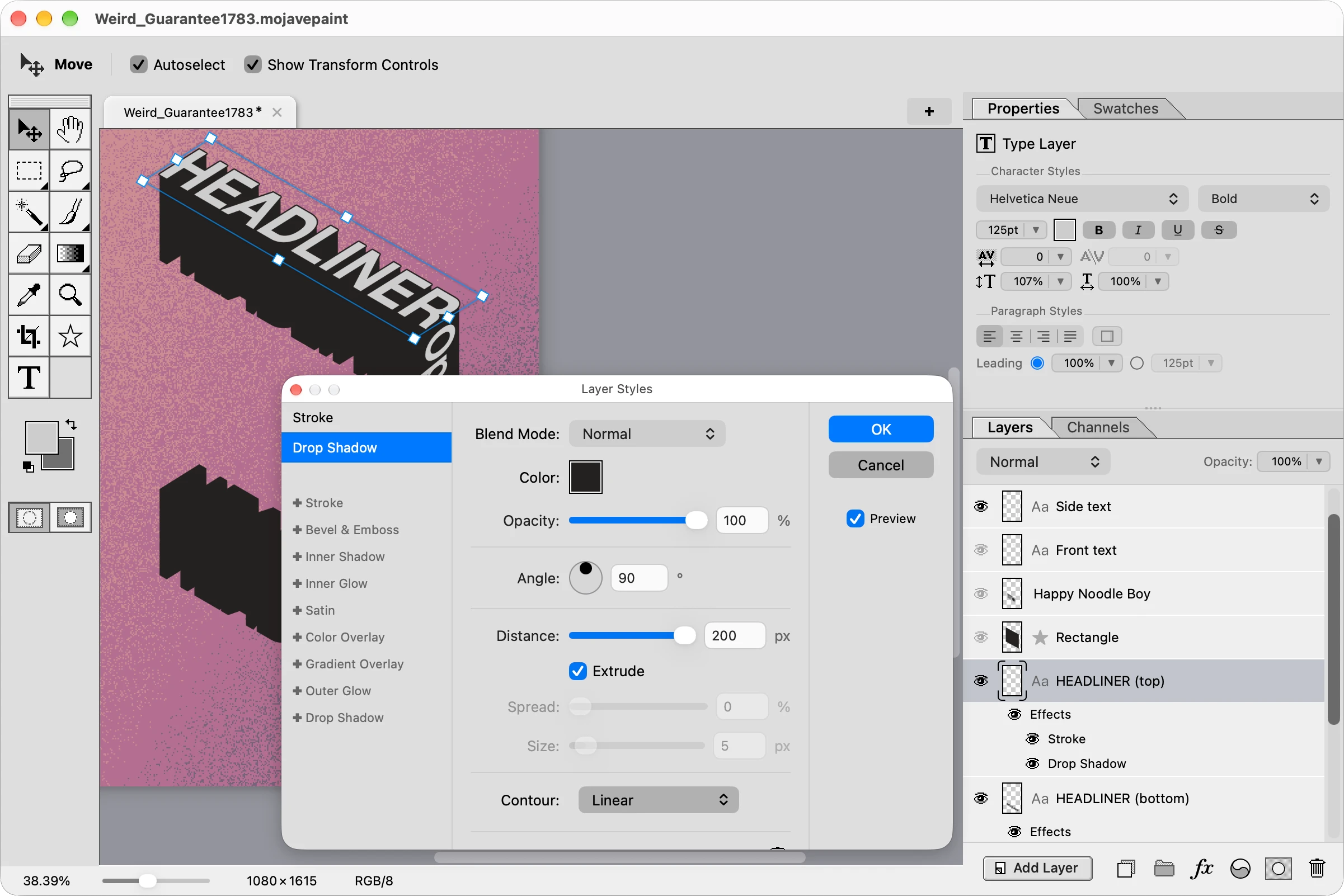
Layer styles [Shipped in v1.3.0]
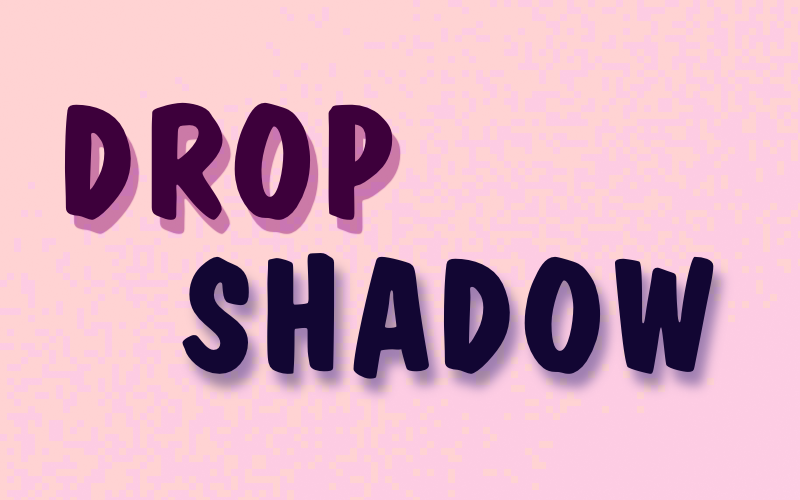
Color and gradient overlay, drop shadow, outline, outer glow, etc.
Dark mode [Shipped in v1.4.3]
Configurable in settings to be "Light", "Dark", or "System (OS)"
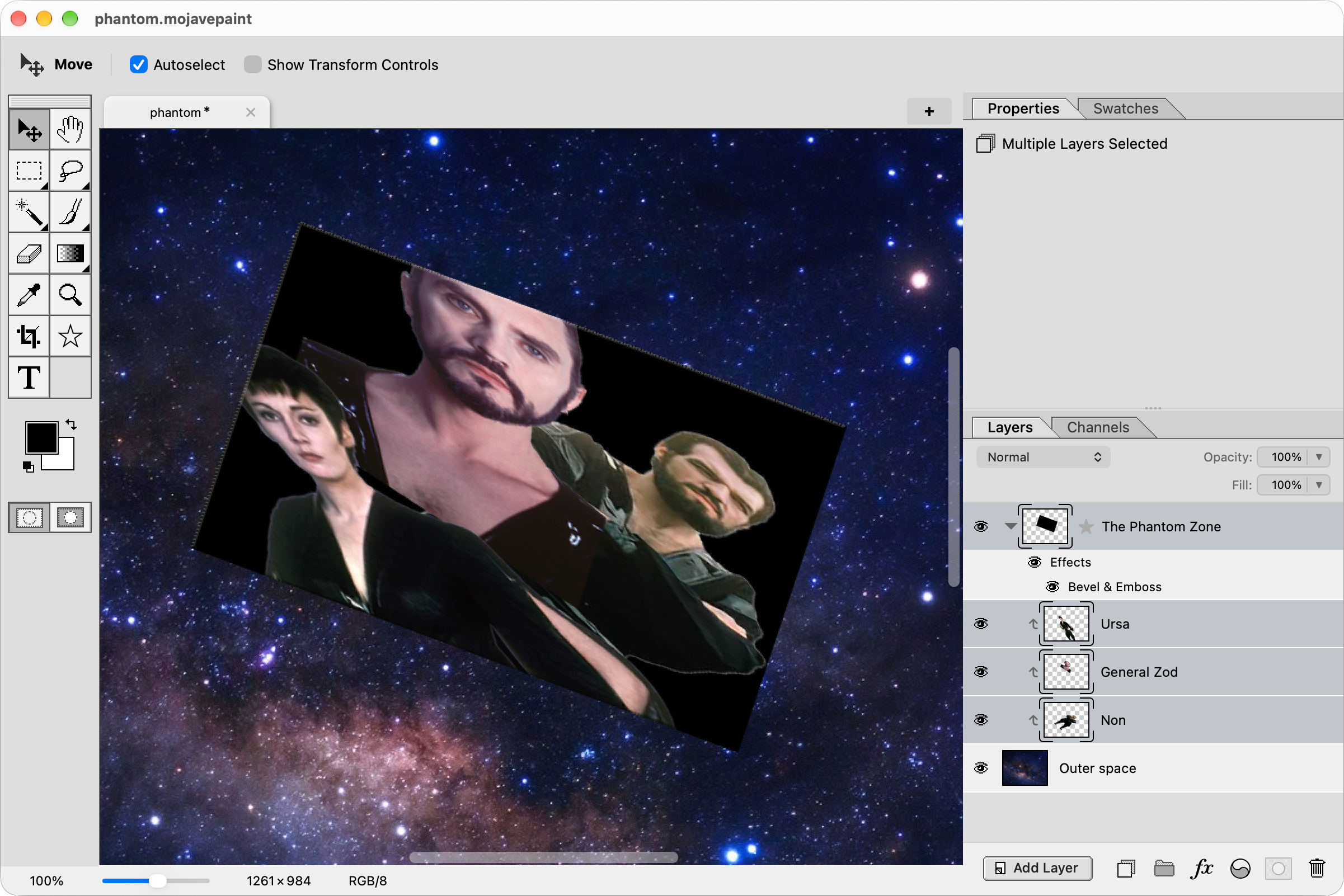
Clipping Masks [Shipped in v1.8.0]
You can sort of do clipping currently with the logical blend modes of Clip and Stencil, but it's limited. We need real "clip to layer below" functionality that acts as a dynamic layer mask based on the other layer's opacity.